46
Memory function
To facilitate the preparation of your favourite dishes
or lavish foods, you can record the cooking process
of 10 foods and play them back at any time.
The oven saves the set operating mode, temperature
and duration and up to four other changes which
you make during the recording.
Recording a 1. Switch the oven on.
new programme 2. Tap the
(
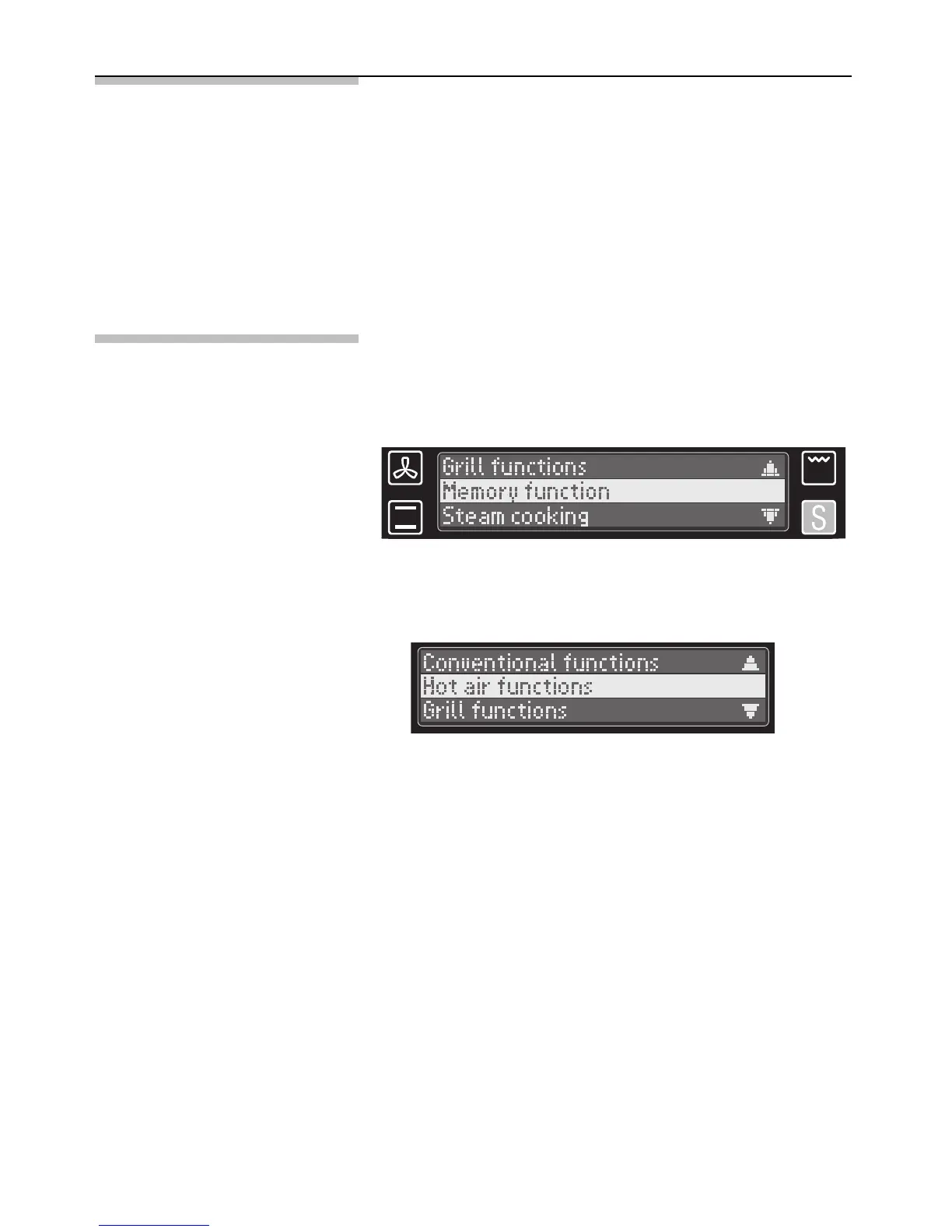
button and select Memory function
in the submenu.
4. Select a function and acknowledge your selection
to access the associated operating modes.
5. Select the required operating mode and
acknowledge your selection.
The selected operating mode and the
temperature setting prompt are indicated on the
text display; the recommended temperature lights
up.
6. Set the required temperature and acknowledge
your selection.
The oven now starts to heat.
3. Select New programme in the submenu. Three
oven functions are available (special functions
cannot be selected):


 To Next Page