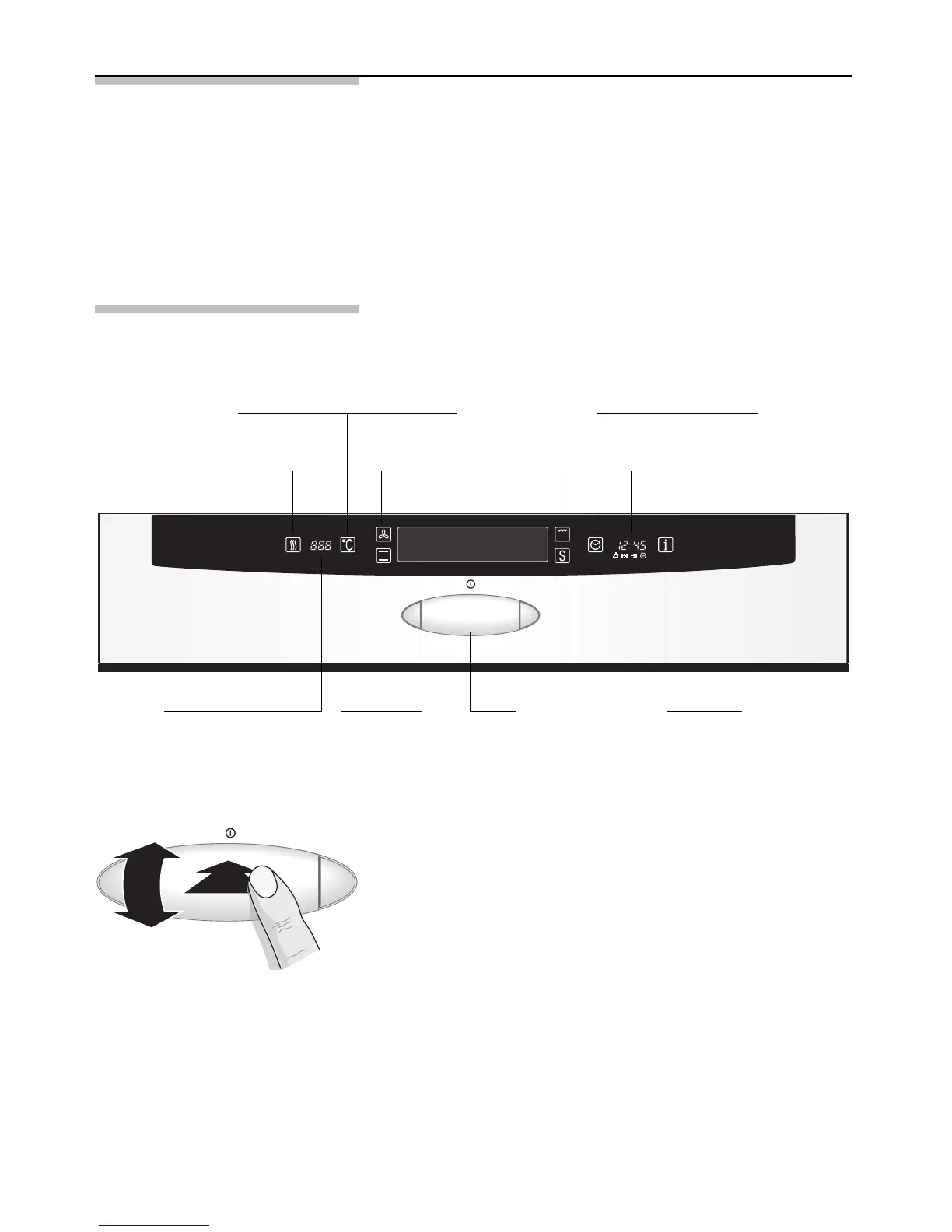
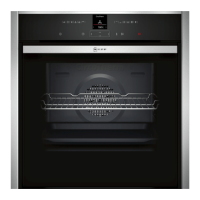
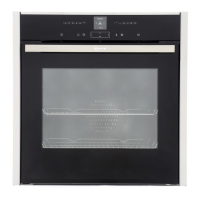
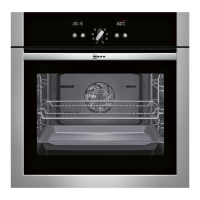
Rapid heat up button
Temperature selector button
Clock display with clock
function symbols
Oven function buttons
Clock function button
7
Your new cooker
Here you will learn more about your new appliance.
The control panel, its TouchControl buttons, the roller
and displays are explained here. The oven functions,
operating modes and the accessories included with
your oven will be explained here.
The control panel
Temperature display
with indicator bars
Text
display
Roller Info button
Roller You can rotate and press the roller.
Rotate the roller ➝ To select the functions on
the text display
➝ To set the time and
temperature
Press the roller ➝ To actuate the selected
settings
➝ To switch the oven on and
off press and hold


 To Next Page