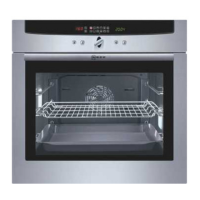
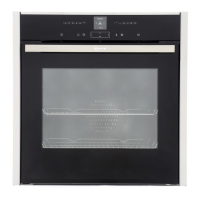
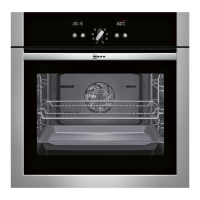
8
Brief overview
Text display Text display for oven functions, operating modes,
settings and information.
Oven function buttons Tap a function button to access the required
operating modes.
Repeatedly tap a button to select the associated
operating modes.
Temperature selector button After tapping the / button, you can change the
temperature with the roller.
Temperature display with Indicates the temperature. The indicator bars
indicator bars indicate how hot the oven is.
Rapid heat up button Tap the
$ button to switch on rapid heat up
(for Circotherm and bread baking).
Clock function button Tap the button to be able to select clock functions
(see ”Electronic clock”).
Repeatedly tap the
) button to select the clock
functions.
Clock display with clock Indicates the time. The symbols are backlit as soon
function symbols as the associated function is activated (see
”Electronic clock”).
Info button Do you want to know quickly how to do something
on your appliance? Simply tap on i. You will then
receive information e.g. on oven functions, operating
modes, clock functions, settings and much more.


 To Next Page