47
Vibromassage
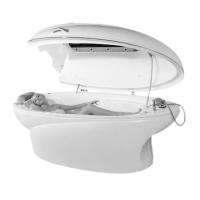
Place the vibrating bed onto the bath tub
and plug in the power cord into the backside
of the equipment.
NB! To avoid displacement of the
vibrating table, please do not make any
sudden moves when lying on the
surface.
NB! Maximum load on vibrating table is
175 kg.
IMPORTANT!
The vibromassage function should be
activated only when the client is lying
on the table!
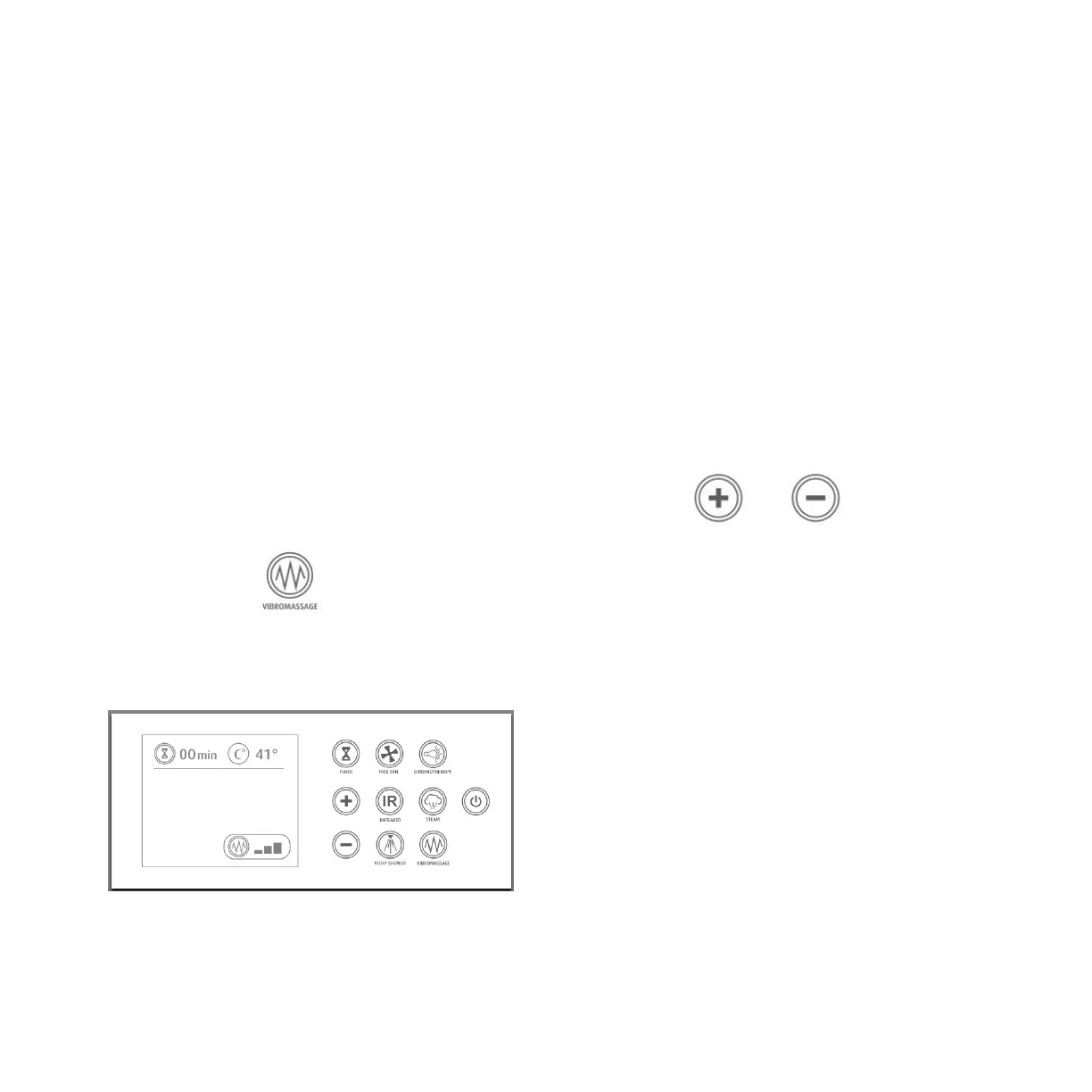
To activate vibromassage function, press on
the VIBROMASSAGE button on the Control
Panel A.
VIBROMASSAGE indicator will appear on the
screen surrounded by a circle. (You will feel
vibration).
There are 3 positions of intensity of
vibration:
1. Smooth vibration for ultimate
relaxation and gentle stimulation of
the metabolism processes
2. Medium speed
3. Intensive vibration for speeding up
the metabolism and detox
To select desirable vibration speed, press
the +/- buttons on control panel A, while
VIBROMASSAGE indicator is surrounded by a
circle. The display will show the speed
selection.
It is possible to adjust the vibration intensity
throughout the session. For that you must
hold finger for at least 2 seconds on the
VIBROMASSAGE button, the
VIBROMASSAGE indicator will be surrounded
by a circle and you will be able to adjust the
intensity by pressing +/- buttons.
To turn OFF the function, press the
VIBROMASSAGE button.


 To Next Page