49
Timer
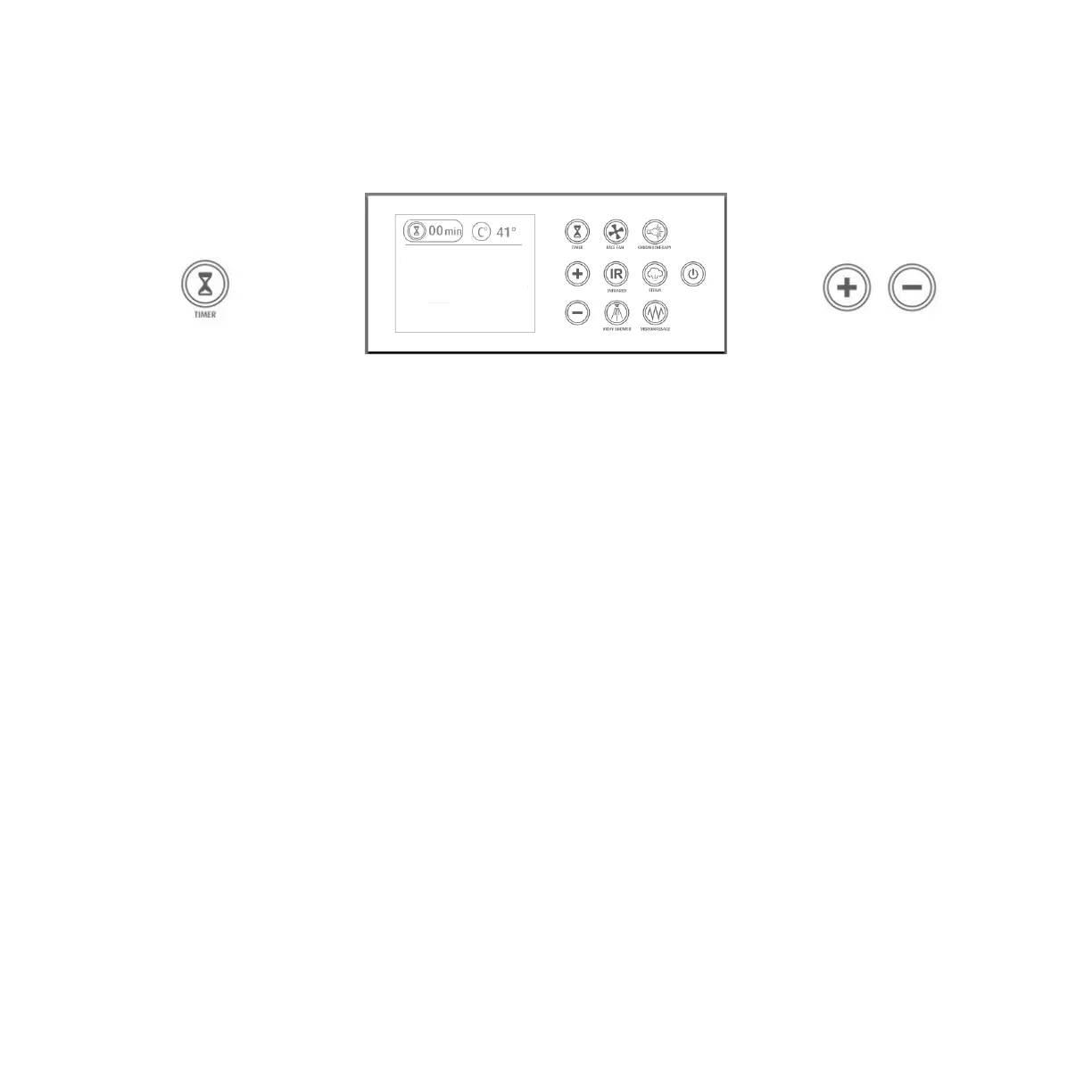
To change the session time setting, hold your finger on the TIMER button for at least 2 seconds,
the TIMER indicator will be surrounded by a circle and you will be able to adjust the time by
pressing +/- buttons.
Hand Shower
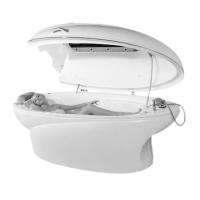
For independent use of the hand shower, the
hood of the cocoon must be opened and
client should be in a sitting position.
Hand shower must be connected by special
quick-connection - insert the end of the hose
into the slot (water will start to flow).
Water temperature can be adjusted from the
thermostat.
When you do not need to use hand shower
any more, disconnect it from the quick-
connection by pressing the ring down.


 To Next Page