50
FUNCTIONS ON CONTROL PANEL B
(Lower part of equipment)
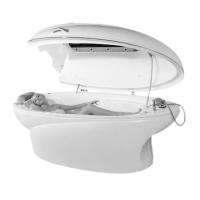
Hydrotherapy Tub
Close the drain opening by moving the drain
valve to the left position.
For fast fill of the water Harmony Pro energy
cocoon has separate taps for hot and cold
water. Open the taps by turning them
clockwise. A few minutes after the partial
filling of the tub, you can see the
approximate temperature of the water on
the control panel. According to displayed
temperature, you can adjust it as wanted.
NB! You can not use hydrotherapy functions
at the same time with sauna functions.
NB! For any bathtub function the water
level must be ~1 cm above the highest
(back massage) jets!
Water Massage (pneumatic button 1)
To use the function of water massage, press
pneumatic button located on the right edge
of the bath. Water massage will activate
automatically.
To turn off the function, press on pneumatic
button again.
Bottom Air (pneumatic button 2)
To use the function of air bubble massage,
press pneumatic button located on the right
edge of the bath. Air bubble massage will
activate automatically.
To turn off the function, press on pneumatic
button again.
After every bathing, drain water and turn on
bottom air function for 30 sec. This will flush
out remained water from bottom air jets and
it therefore prevent occurring of microbes.
Chromotherapy (pneumatic button 3)
To use the function chromotherapy, press
pneumatic button located on the right edge
of the bath. The chromo therapy will
activate automatically.


 To Next Page