VIRDI AC 1000 User Guide 21
UNION COMMUNITY CO.,LTd.
3Fl. Hyundai Topics Bldg, 44-3 Bangi-dong, Songpa-gu, Seoul, Korea 138-050,
Tel: 82-2-6488-3000, Fax: 82-2-6488-3099, E-Mail:sales@unioncomm.co.kr,
3.3.3. Modify User
[ENT] ◆ Æ [1] Æ [3] Æ User ID + [ENT] Æ Select changing menu
Æ Change value ◆
In the main menu, press [1] to select “1. User” to see the following screen:
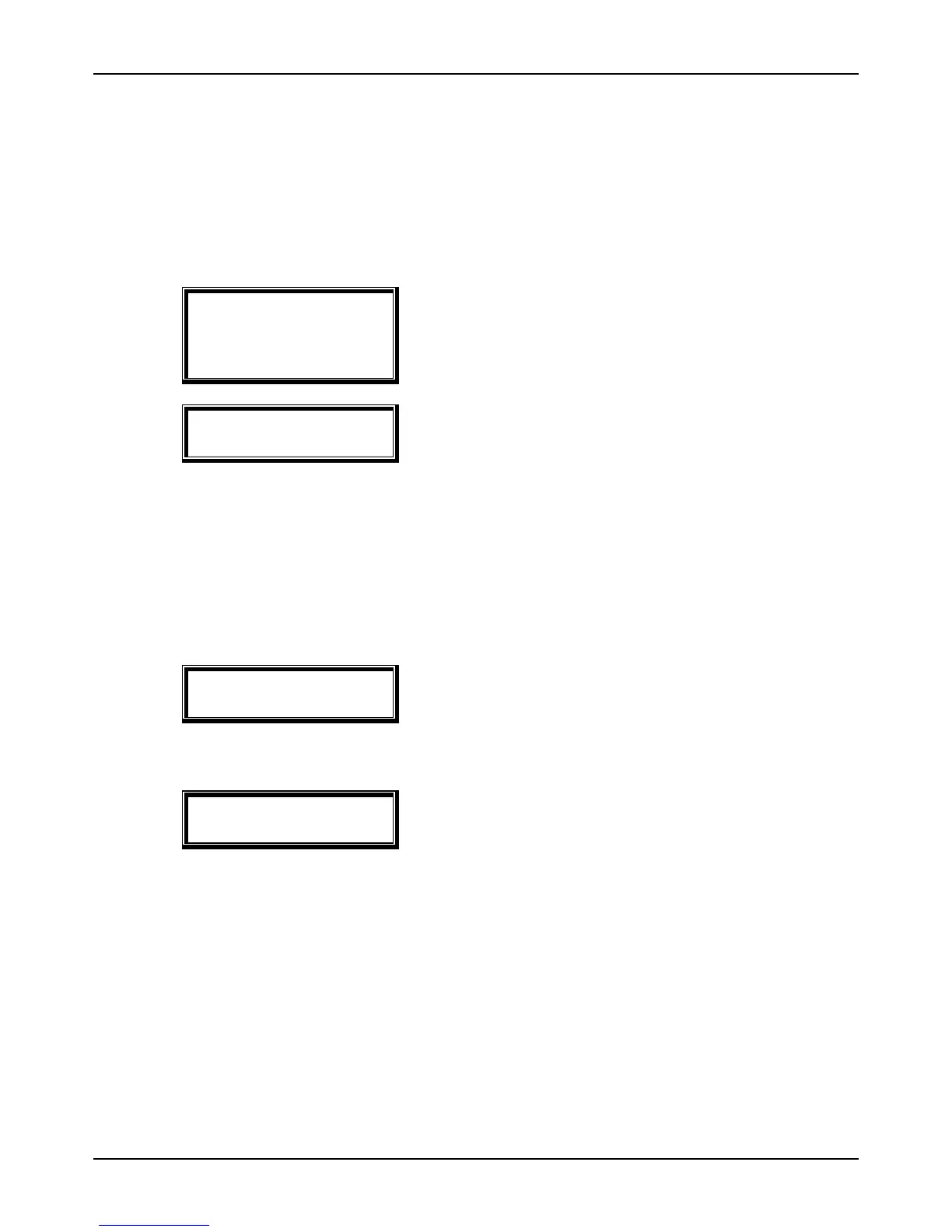
1. Add
2. Delete
3. Modify
4. Add Admin
5. Delete All
To Modify a user, press [3].
Input ID [MOD]
ID: _ _ _ _
Enter the user’s ID to Modify, and press [ENT].
When changing an ID, there is no difference between a user and an
administrator.
If a non-registered user (or administrator) is entered, you will hear an error tone
and the “1. Add” menu appears.
.
3.3.3.1. “1. RF” user
1. Change Card
To change the card, press [1].
To cancel, press the [DEL] button.
Press [1] button to change the card.
<Change Card>
Place Your Card
To cancel, press the [DEL] button.
If a user places the card close to the unit, three short beeps (Modification is
successful) will be heard and the “1. Add” menu appears.


 To Next Page