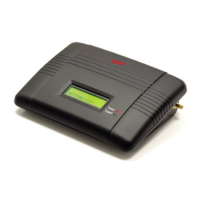
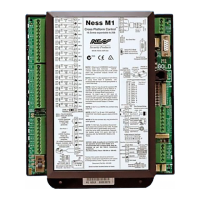
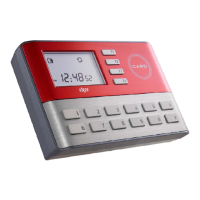
VIRDI AC 1000 User Guide 45
UNION COMMUNITY CO.,LTd.
3Fl. Hyundai Topics Bldg, 44-3 Bangi-dong, Songpa-gu, Seoul, Korea 138-050,
Tel: 82-2-6488-3000, Fax: 82-2-6488-3099, E-Mail:sales@unioncomm.co.kr,
4.1.3. Password authentication
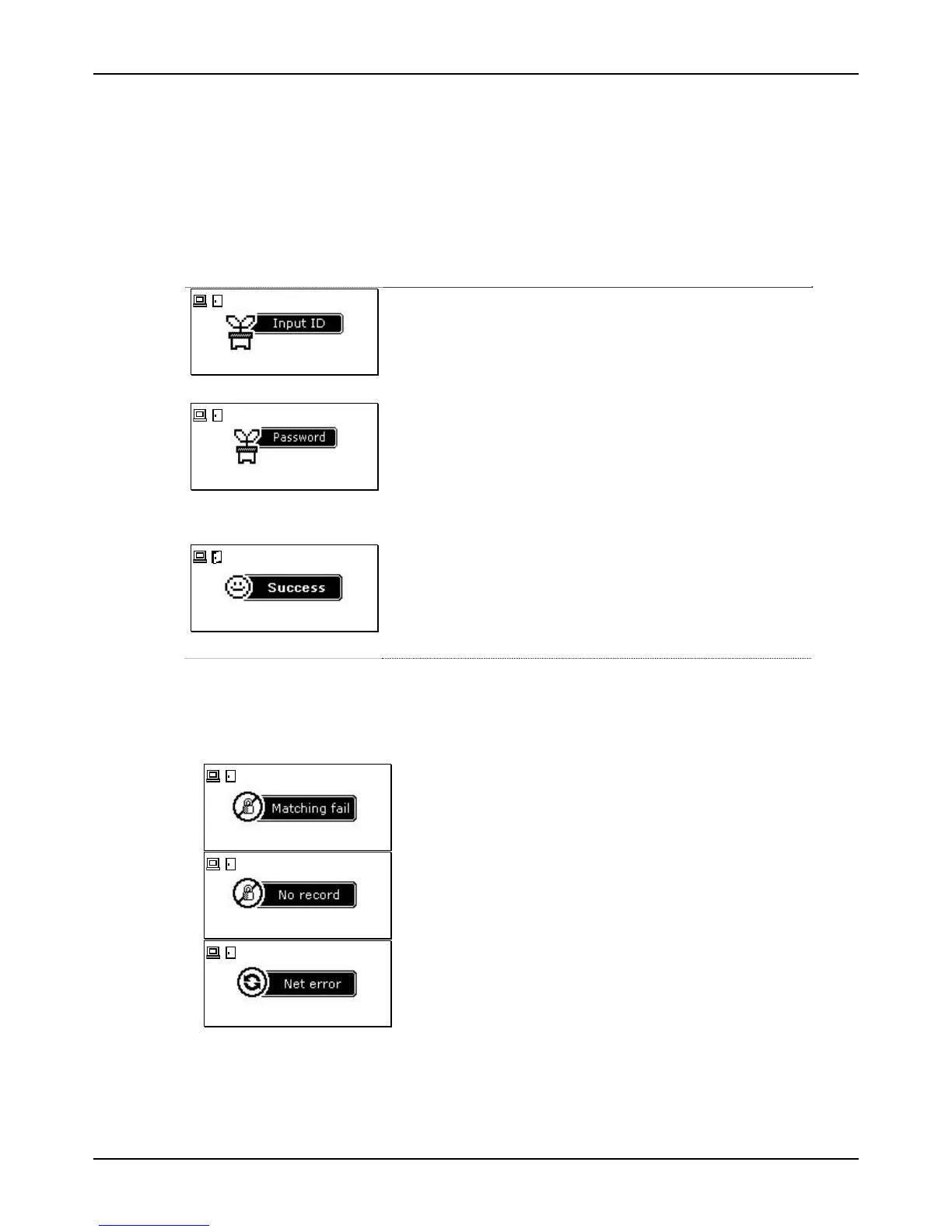
If the user ID is “0001”, enter “0001” and press the function key. You will hear a
beeping sound and the terminal waits for the user password to be input. Enter
the password and press [ENT], and the authentication result appears on the
LCD.
07/08/25 PM 4:58
If the user ID is ‘0001’, enter ‘0001’ and press the
function key.
▼
07/08/25 PM 4:58
You will hear a beeping sound and the terminal waits
for the user password to be input. Enter the
password and press [ENT].
(The password is displayed as ‘*’ on the LCD screen,
rather than the actual numbers.)
▼
07/08/25 PM 4:58
If authentication is successful, you will see a success
message on the LCD together with the voice
message “You are authorized”. The door open icon
and the card icon turn on LCD.
The default screen appears after 1~2 sec., and the
door is closed when the door open setting time has
elapsed.
※ Error message: An error message appears together with the voice message
“Please try again”.
.
07/08/25 PM 4:58
Password authentication failed.
07/08/25 PM 4:58
Non-registered user ID entered.
07/08/25 PM 4:58
During the authentication request to the
authentication server, network trouble occurred or
the line is disconnected.


 To Next Page