VIRDI AC 1000 User Guide 23
UNION COMMUNITY CO.,LTd.
3Fl. Hyundai Topics Bldg, 44-3 Bangi-dong, Songpa-gu, Seoul, Korea 138-050,
Tel: 82-2-6488-3000, Fax: 82-2-6488-3099, E-Mail:sales@unioncomm.co.kr,
3.3.4. Administrator registration
[ENT] ◆ Æ [1] Æ [4] Æ Admin ID + [ENT] ◆
In the main menu, press [1] to select “1.User” and press [0] to view menus not
shown in the LCD window. And the following screen appears:
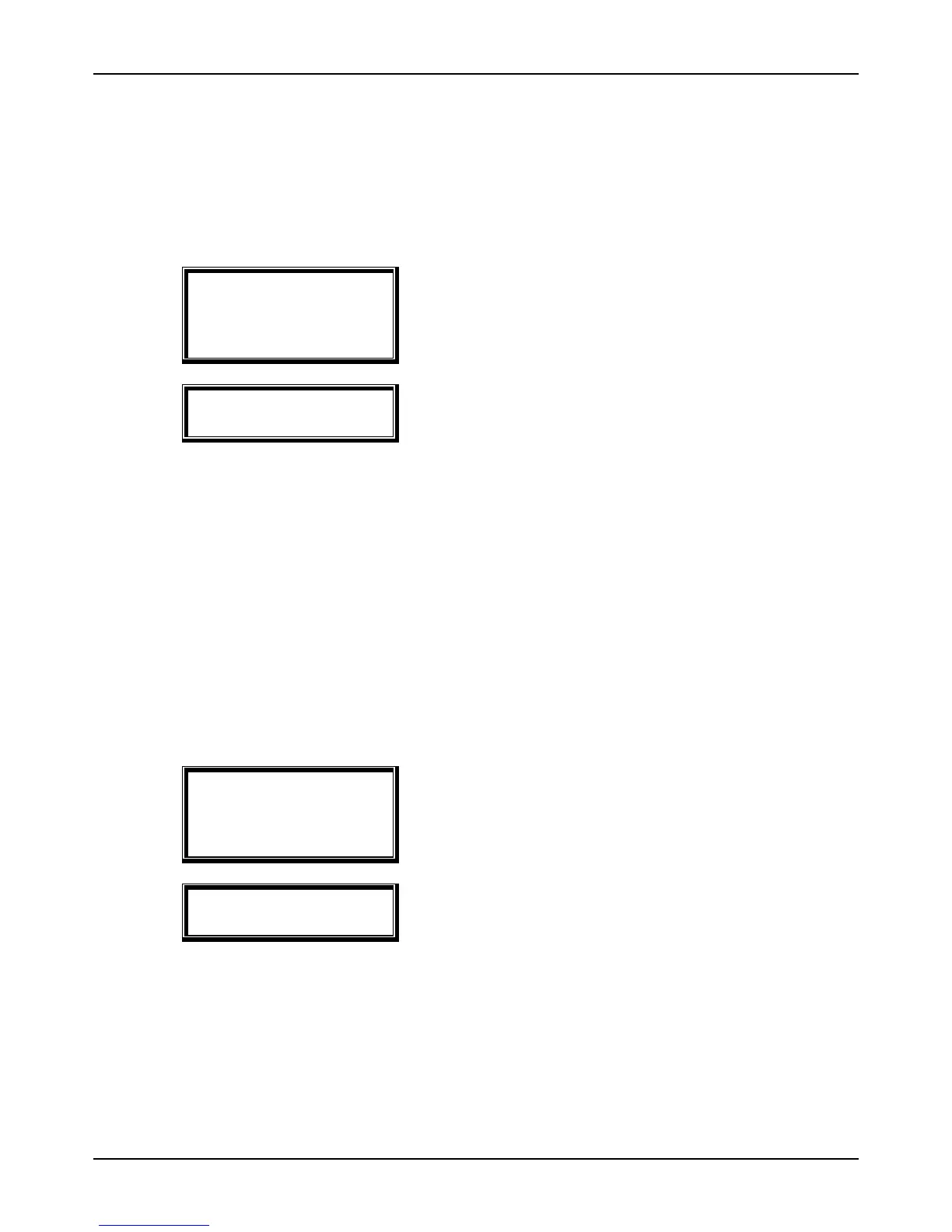
1. Add
2. Delete
3. Modify
4. Add Admin
5. Delete All
For administrator registration, press [4].
<Admin ID [NEW]>
ID : _ _ _ _
Enter the administrator ID to register and press
[ENT].
the procedures for administrator registrati※ on are the same as for user
registration.
Only an administrator can change the terminal operation environment and
register/change/delete user information stored in the unit, so special care is
required when registering an administrator.
3.3.5. Delete All Users
[ENT] ◆ Æ [1] Æ [5] ◆
In the main menu, press [1] to select “1. User” and select [0] to see the following
screen:
1. Add
2. Delete
3. Modify
4. Add Admin
5. Delete All
To delete all users, press [5].
Delete All?
[Y=1/N=2] : _
To delete all users, press [1]. If not, press [2].
Special care is required because all user accounts including the administrator
are deleted with this operation.
When this operation is successful, you will hear three short beeps and the “1.
Add” menu appears.


 To Next Page