111
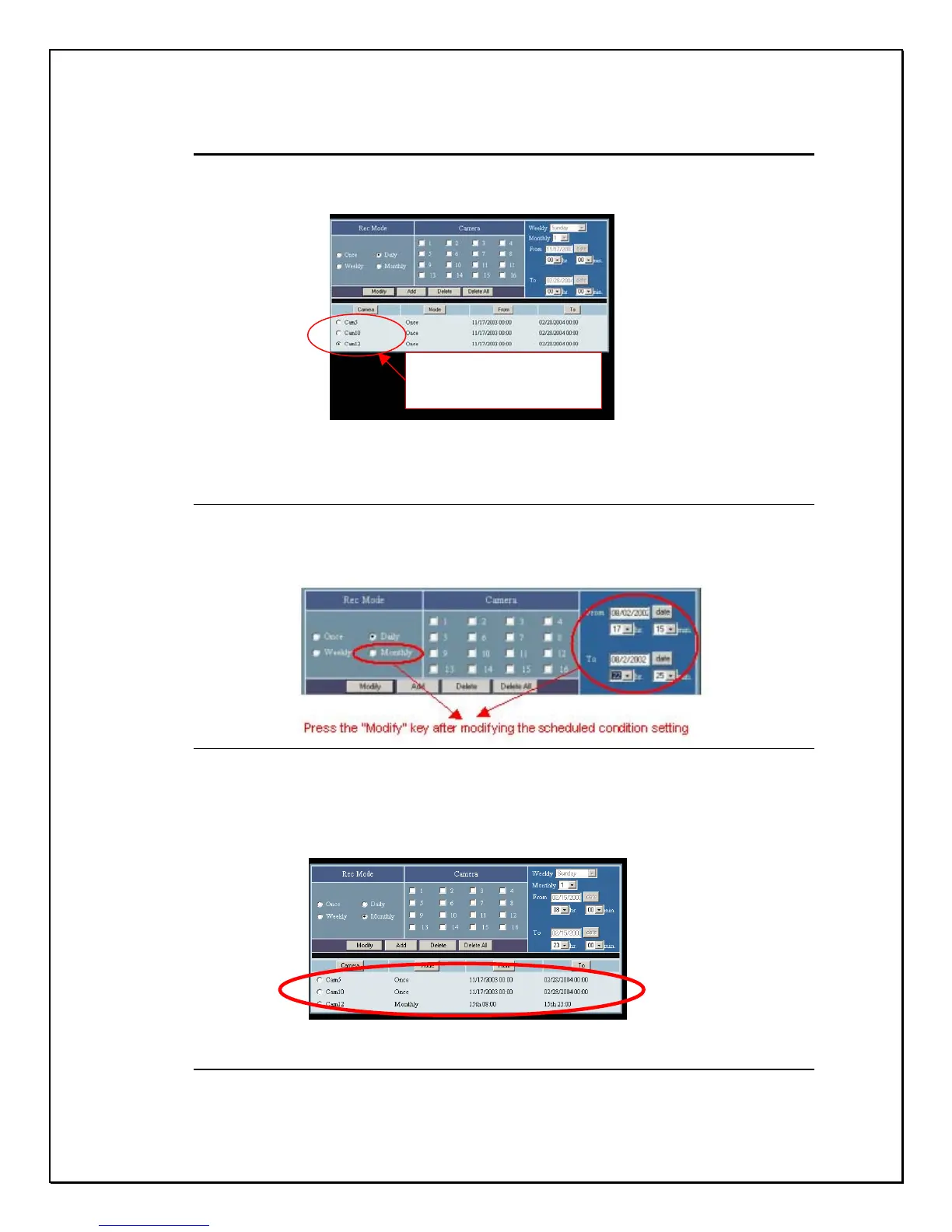
Modifying Scheduled Settings
1. Click the data you wish to modify
Figure 15-16: Remote Modify Window
2. Click the Modify icon
Figure 15-17: Remote Modify Parameters
3. View the modifications
Figure 15-18: Modifying a Schedule remotely
Click on the data
intended to modify



 To Next Page