48
Chapter 6
ACCOUNT SETTINGS
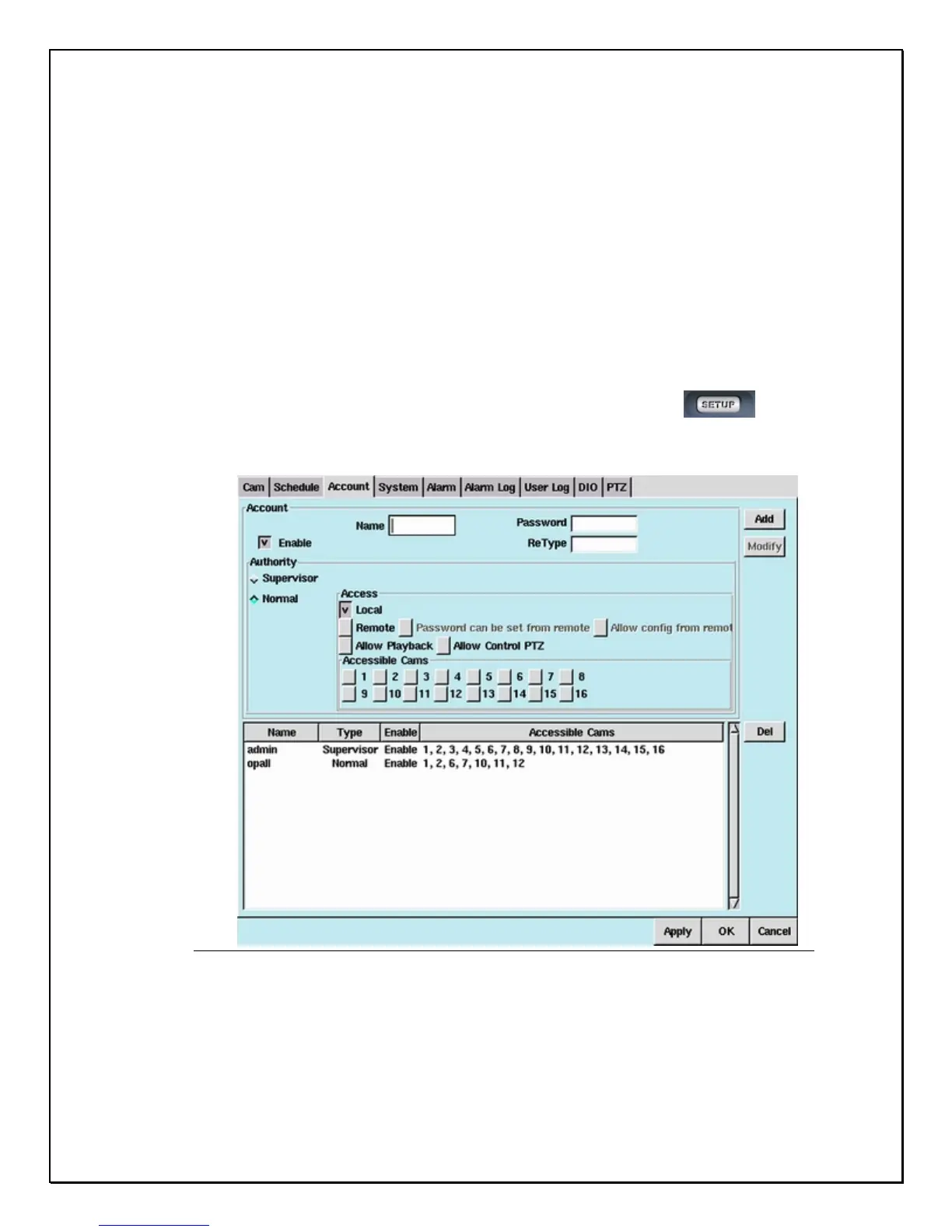
The Account Settings area allows the administrator of the PRO 16/8 RAID DVR to
add users to the system. There are two types of users, one with Supervisory (or
Administrative) powers, and the other is Normal. A Normal user does not have
supervisory powers and is limited to certain user ability of the PRO 16/8 RAID DVR
system. The administrator of the PRO 16/8 RAID DVR system can give users local
& remote access and can allow users only to access certain cameras. Follow these
few steps to create and configure user access to the PRO 16/8 RAID DVR system.
1. Click on the “Setup” icon on the Main Screen…………………………….
2. Click on the “Account” Tab
Figure 6-1: Account Tab Window



 To Next Page