72
Chapter 9
ALARM LOG & SCREEN NOTIFICATION
When an alarm associated to a camera occurs, the surrounding border to the
camera video display will flash Red on the Main GUI.
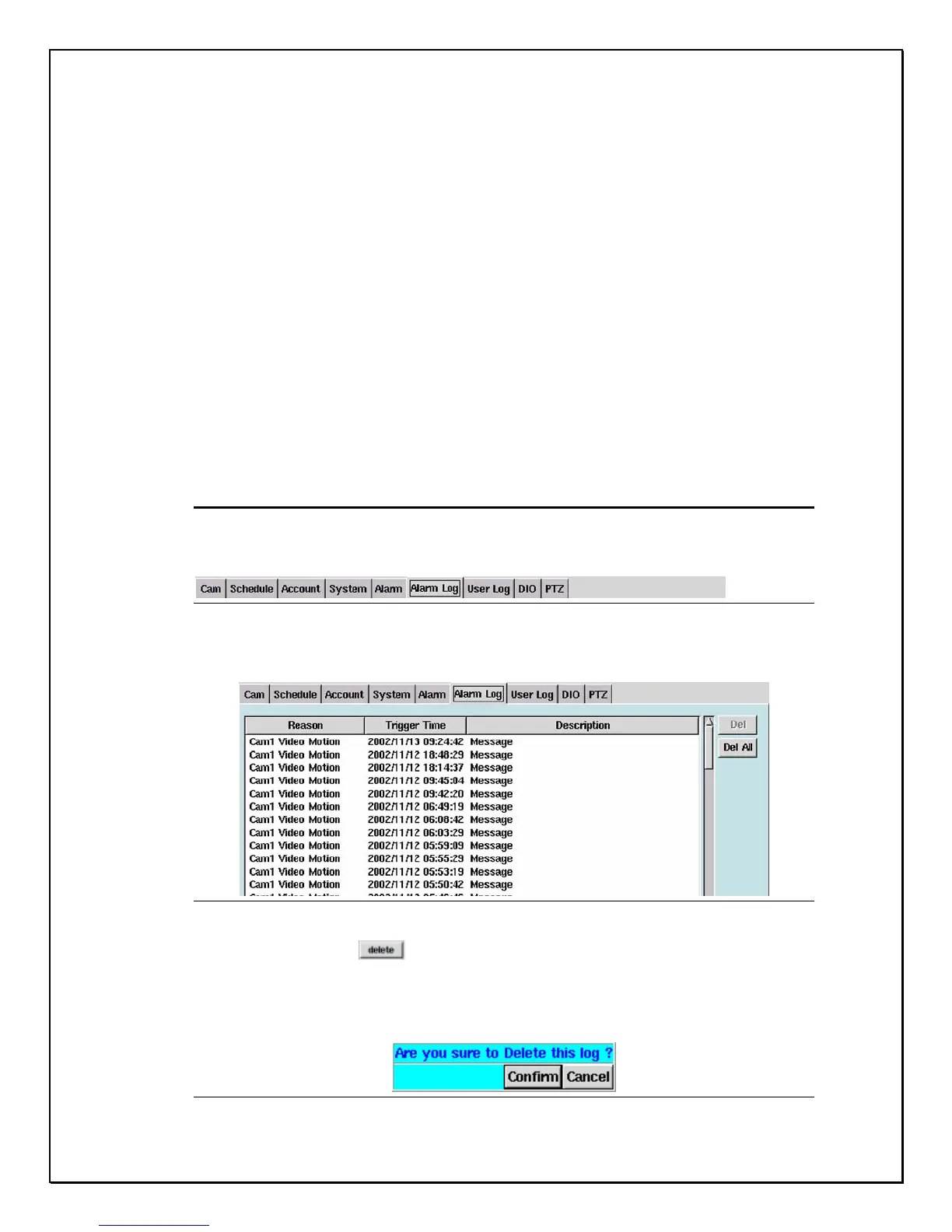
The Alarm Log provides the administrator of the PRO 16/8 RAID DVR to monitor all
alarms that were triggered. This database tells the administrator which cameras set-
off the alarm, at what time the alarm was triggered and provides a description of
what happened. The log is simple and allows the administrator only two options: (a)
to delete a single log, (b) to delete all log files. Follow the next few steps to achieve
this:
Deleting a Log
1. Click the “Alarm Log” Tab
Figure 9-1: Alarm Log
2. Select the file you wish to delete
Figure 9-2: Selection File
3. Click “delete” button.
4. A confirmation pop-up screen will appear asking to reconfirm
(see Figure 9-3 below)
Figure 9-3: Confirmation Window



 To Next Page