73
5.
Click “Confirm” to continue or “Cancel” to restart
6. Click “Apply” , then “OK” to complete the task
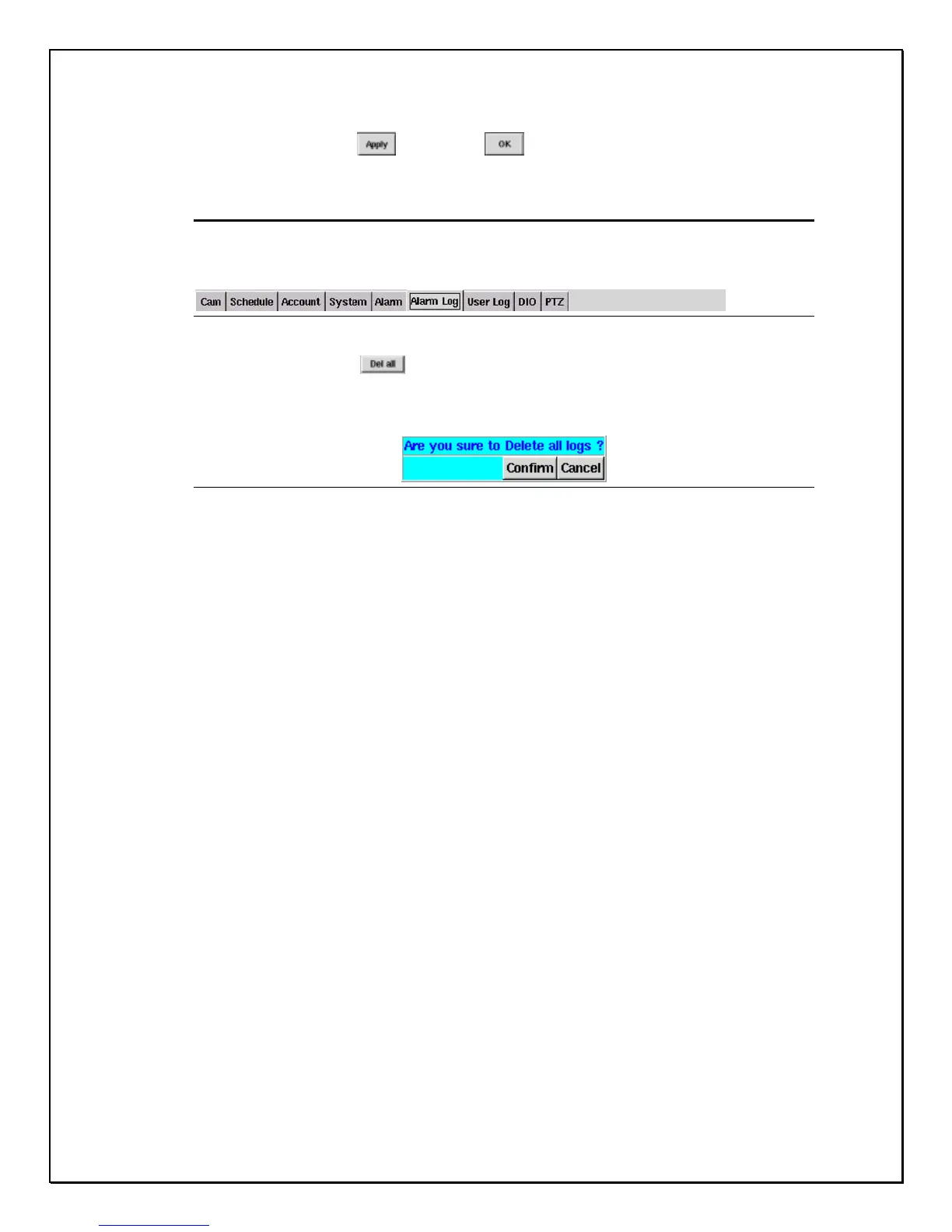
Deleting all Logs
1. Click the “Alarm Log” Tab
Figure 9-4: Alarm Log
2. Click “Del all”
3. A confirmation pop-up screen will appear asking to reconfirm
(see Figure 9-5 below)
Figure 9-5: Confirmation Window
4. Click “Confirm” to continue or “Cancel” to restart
5. Click “Apply”, then “OK” to complete the task.



 To Next Page