28
Chapter 3
QUICK GUIDE TO ICONS ON THE MAIN SCREEN
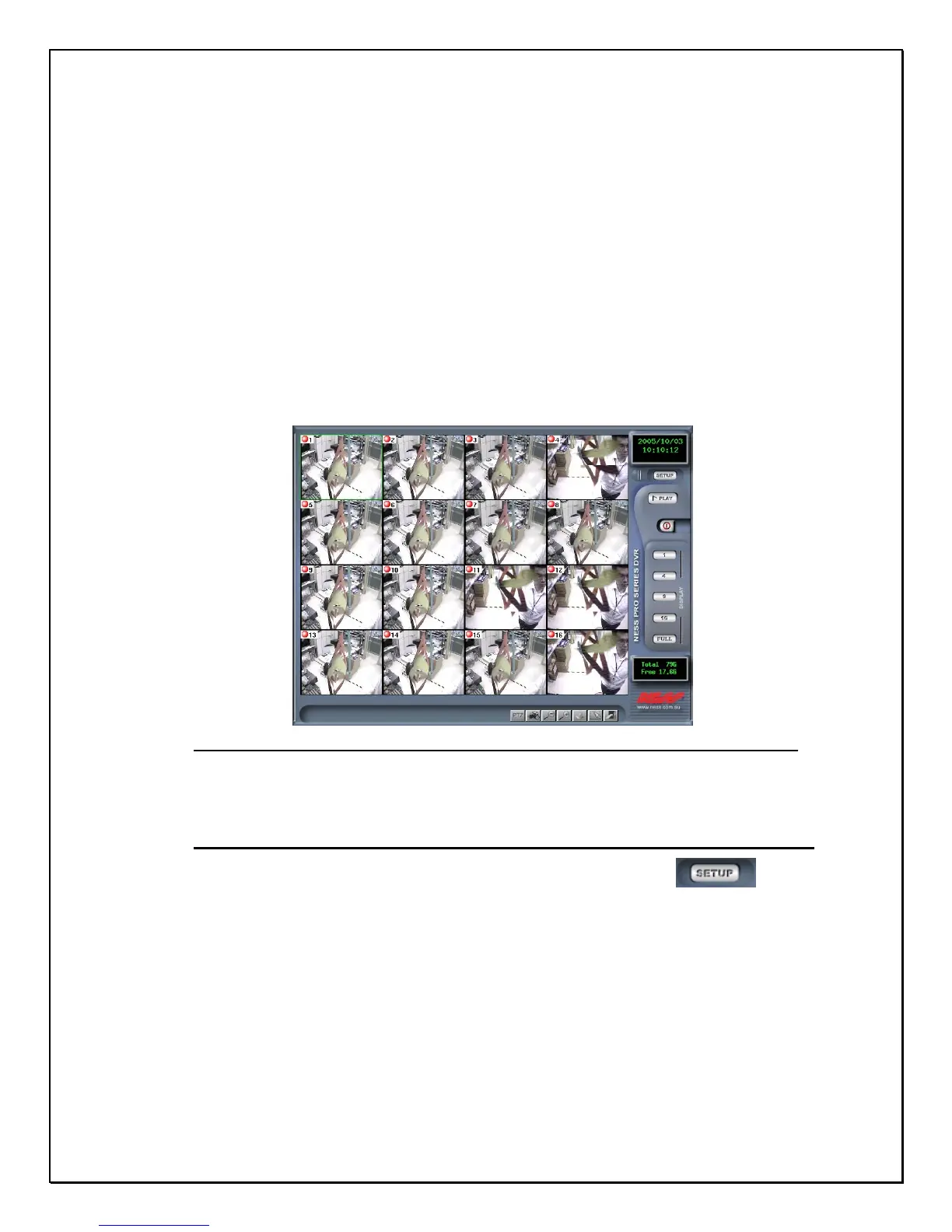
This chapter explains the quick access icons on the main screen. Some of these icon
functions will be explained in depth later on in the manual. The Main Screen is the
central hub of your PRO 16/8 RAID Digital Video Recorder. If you point your mouse over
any of the icons a sub note will appear explaining what that icon does. Once you have
started the Digital Video Recorder icons to the right of the main viewable area will give
you access to different parts of the digital video recorder. The following brief description
explains how to enter those different screens.
Figure 3-1: The Main GUI Screen
Settings Panel
1. Step 1: Click the settings icon on the right-side toolbar……………….
2. Step 2: View all configuration windows [Cams, Schedule, Account, System, Alarm,
Alarm Log, User Log, DIO, PTZ].



 To Next Page