97
Chapter 14
PRINTING
One of the unique features of the PRO 16/8 RAID is its ability to print still images.
Printing images from your digital video recorder can clarify certain factors you
cannot see from an image on your monitor. The PRO 16/8 RAID DVR accepts
many forms of printers. Please consult your dealer to see what printers are
compatible with the PRO 16/8 RAID DVR.
Configuring your Printer
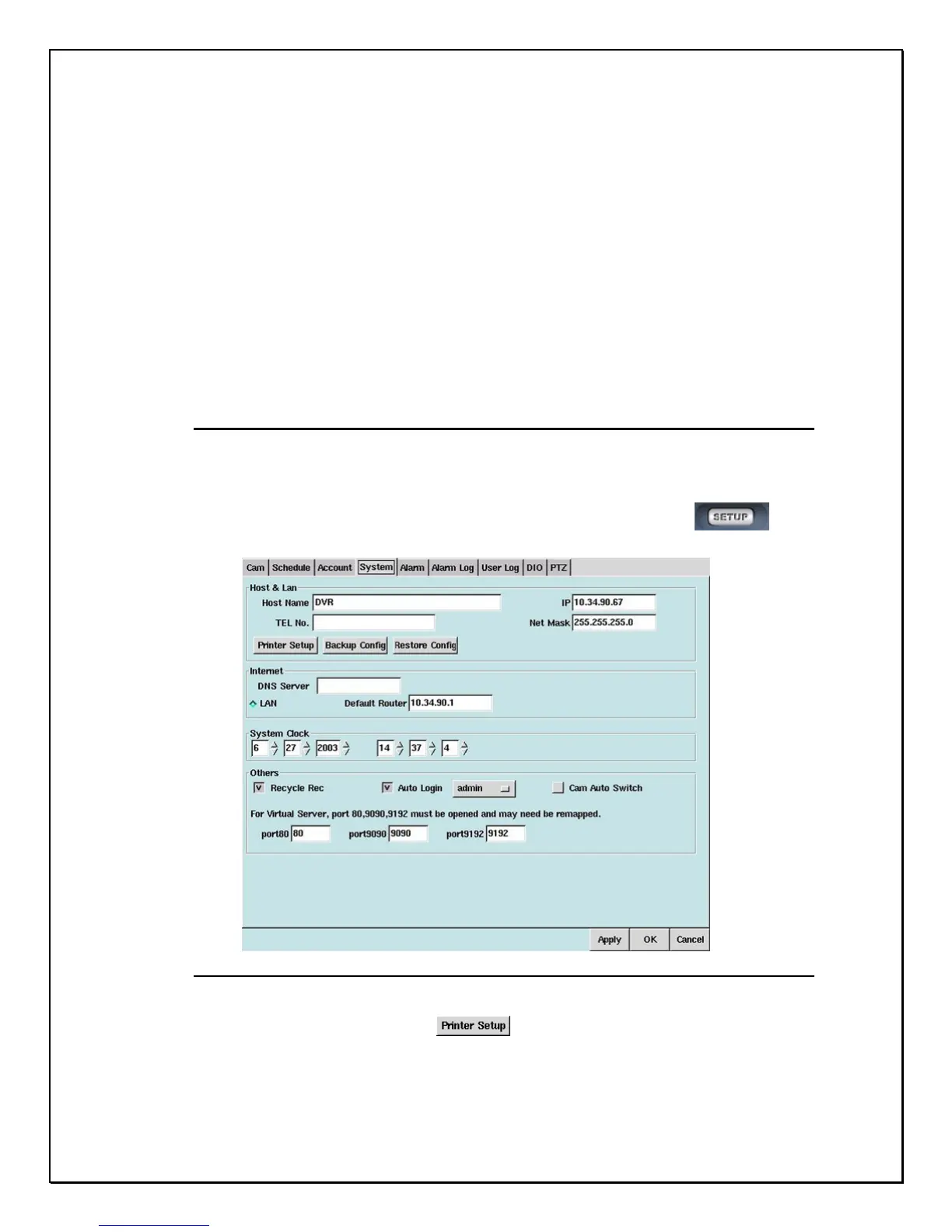
Follow these few easy steps to setup print function.
1. Click the “Setup” icon on the Main Screen…………………………….
2. Click the “System” Tab
Figure: 14-1: System Tab
3. Click the Printer Setup icon
4. The next screen will give a list of printers that the DVR accepts.



 To Next Page