98
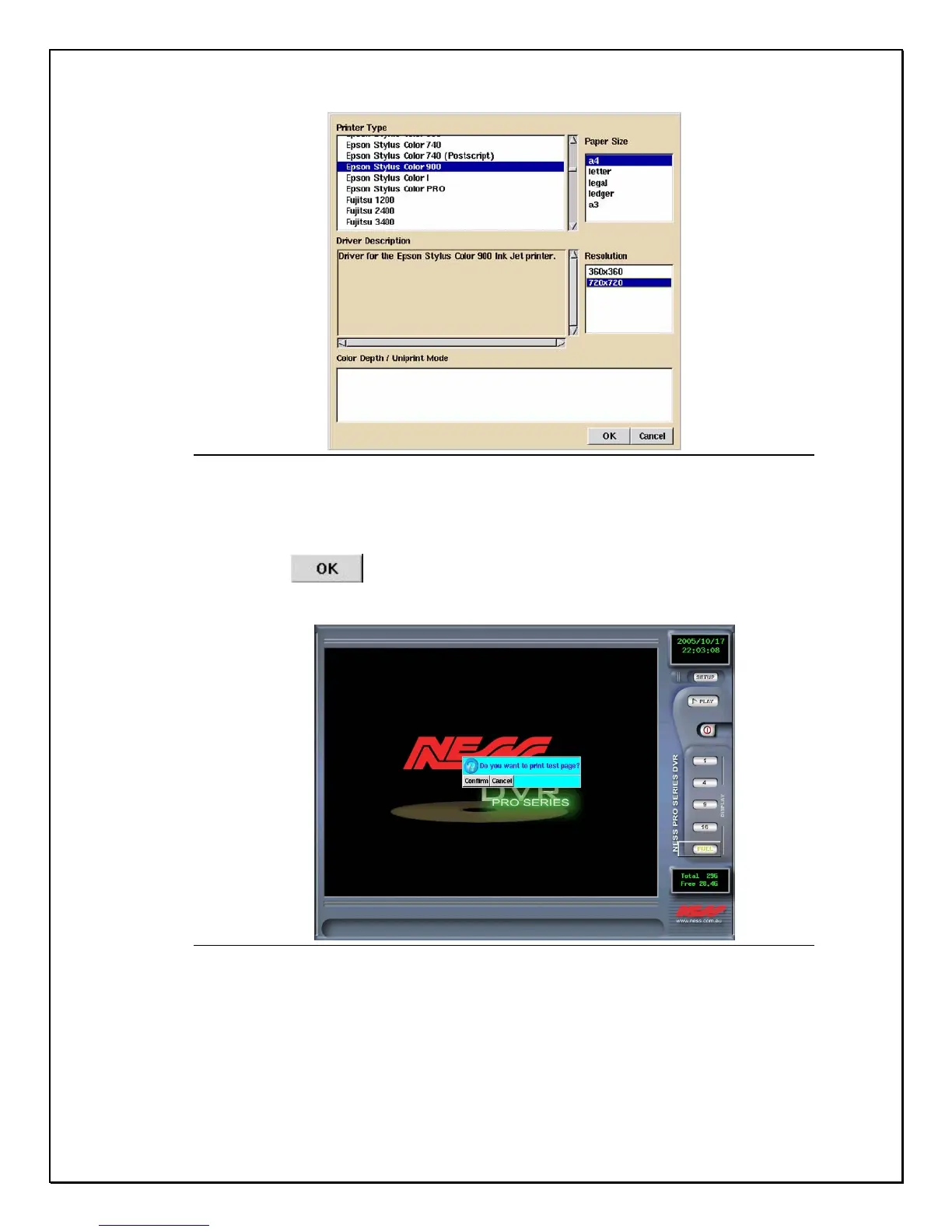
Figure 14-2: Printer Configuration
5. Select your Printer Type, choose the Paper Size, to set the size of paper,
and “ Resolution “ to set the resolution, and then “ Colour depth/Unprint
Mode” to set the colours (for colour printers).
6. Click OK .
7. A pop-up screen will appear prompting you to print a test page
Figure 14-3: Printer Test Page
8. Click Confirm to continue. View your printed material.



 To Next Page