114
Remote System Setup
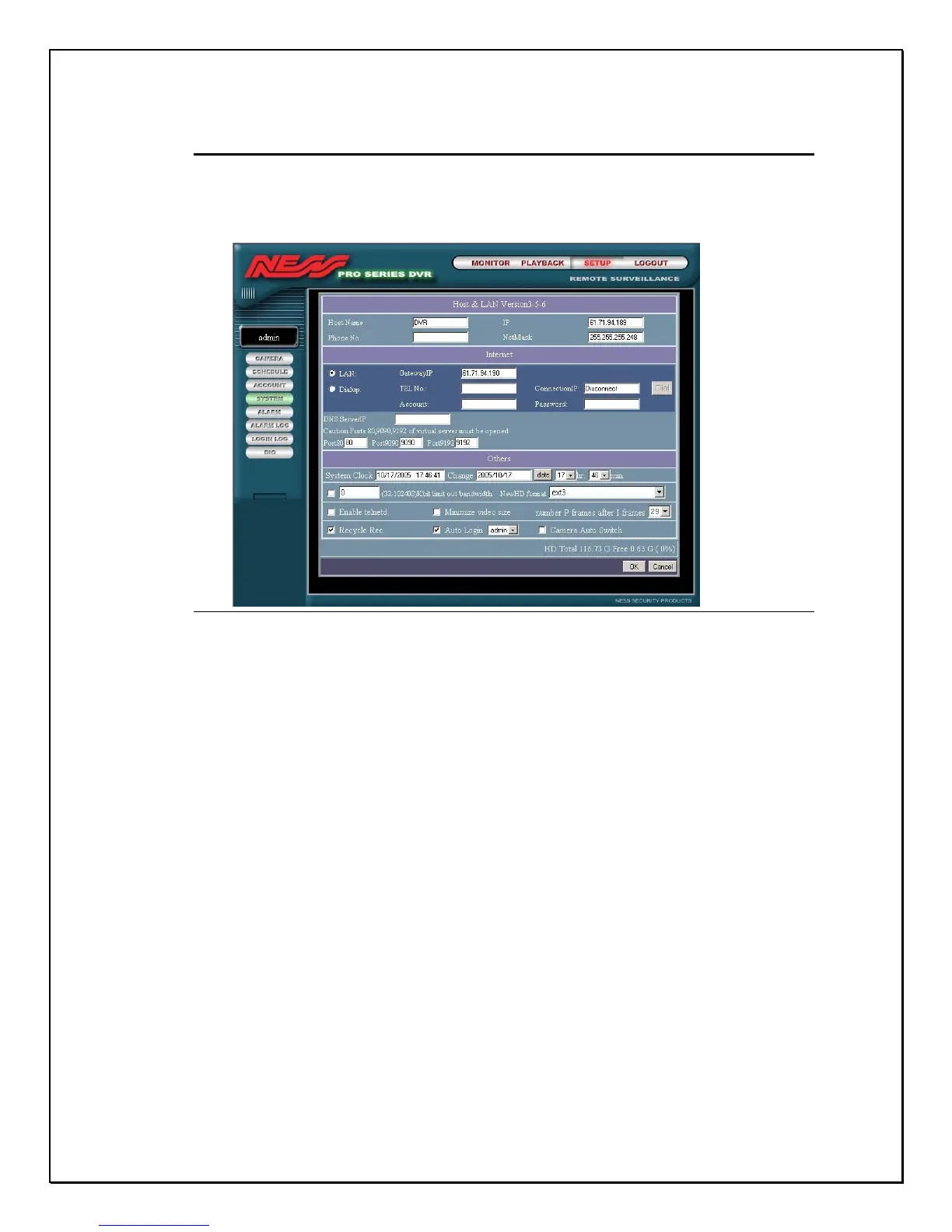
1. Click on the System Settings link in the browser window
Figure 15-21: Remote System Settings
Here some of the functions are different from the main screen. As administrator
you do not have to change the IP address functions on this screen. If these
changes are made you will lose the connection. One of the changes made to the
main local setup screen is the fact that here you are able to backup data to an
external device. If you are using backup storage and you intend to backup data
on your digital video recorder please consult your dealer on how to use this
function.



 To Next Page