22
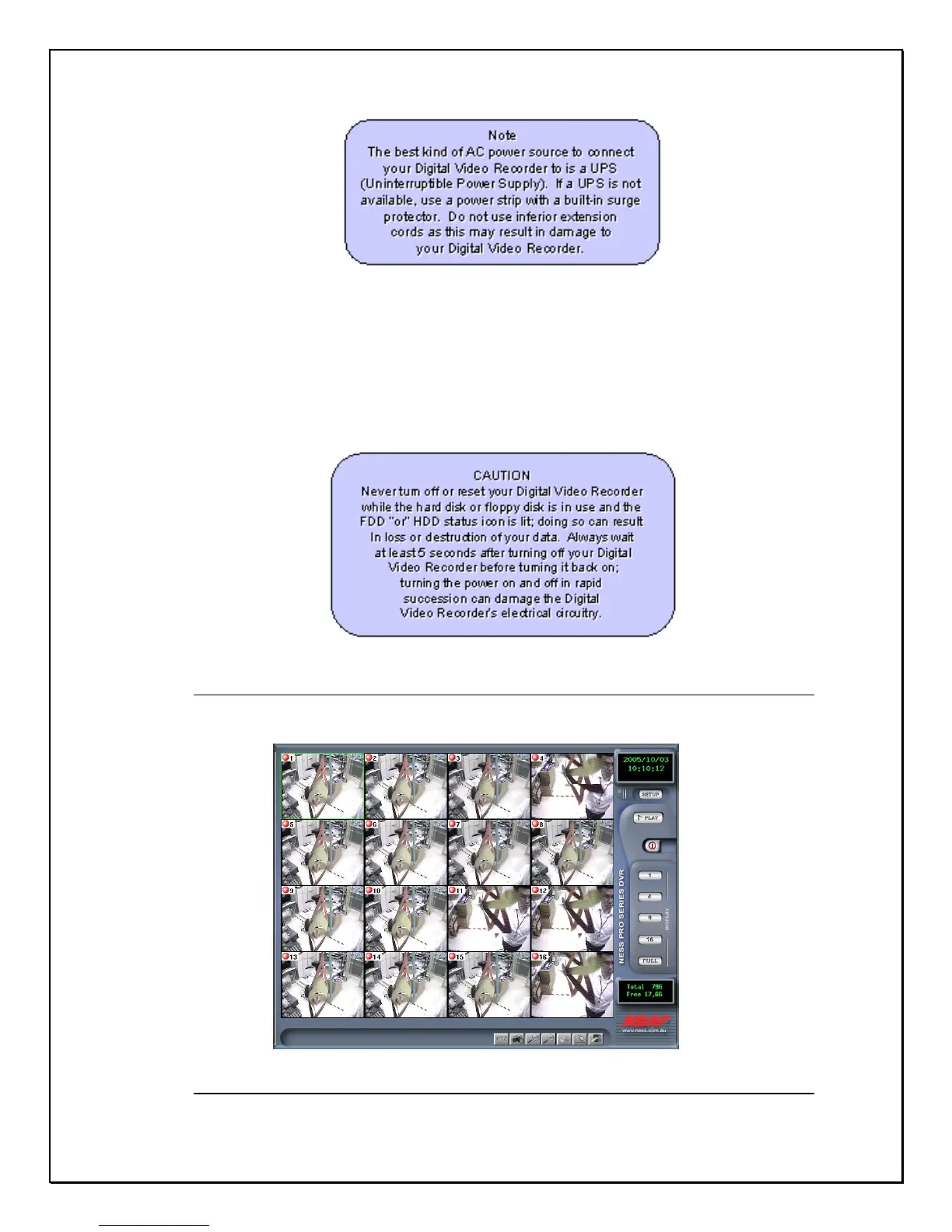
Once the boot process is complete, the Digital Video Recorder will display the
cameras attached (See Figure 2-3). You will automatically be able to see all
cameras connected. If a “ No Signal “ screen is displayed this means that the
respective camera is not operating correctly, please check all connections, power
supplies and the camera for the Video output fault.
Figure 2-2: The first viewable screen (Main Screen)



 To Next Page