46
Monthly Scheduling
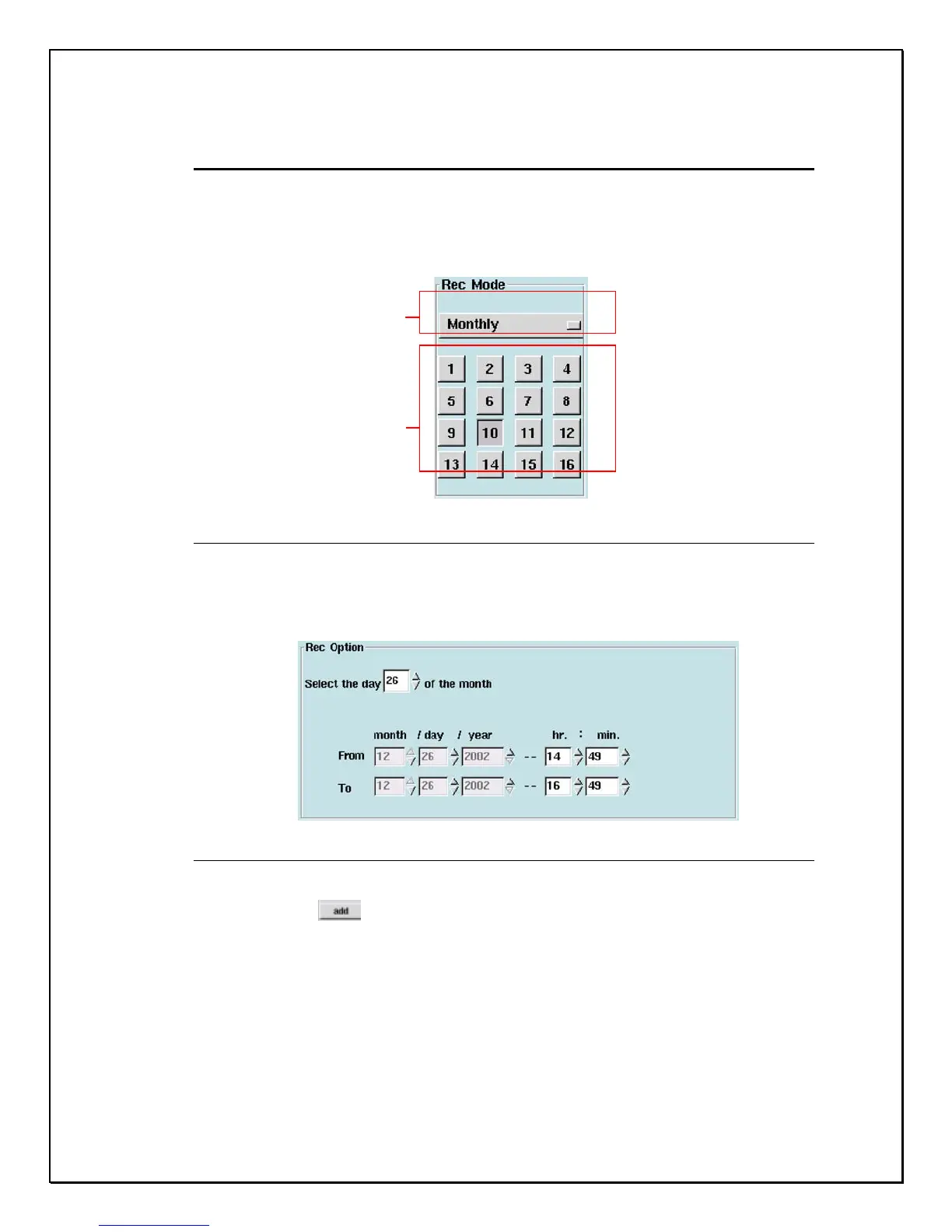
Choosing the “Monthly” scheduling mode, the user can set the desired date for
recording every month, and then select a particular time for that date.
1. Select the “Monthly” option
Figure 5-12: Selecting Record Mode
2. Select the camera you wish to configure.
3. Select the recording duration.
Figure 5-13: Duration Selection
4. Click “Add”
The “Monthl
” o
tion
Select cameras



 To Next Page