90
Playback from the other devices
To view the recorded data from other devices:
Click the icon of “Other Path”,
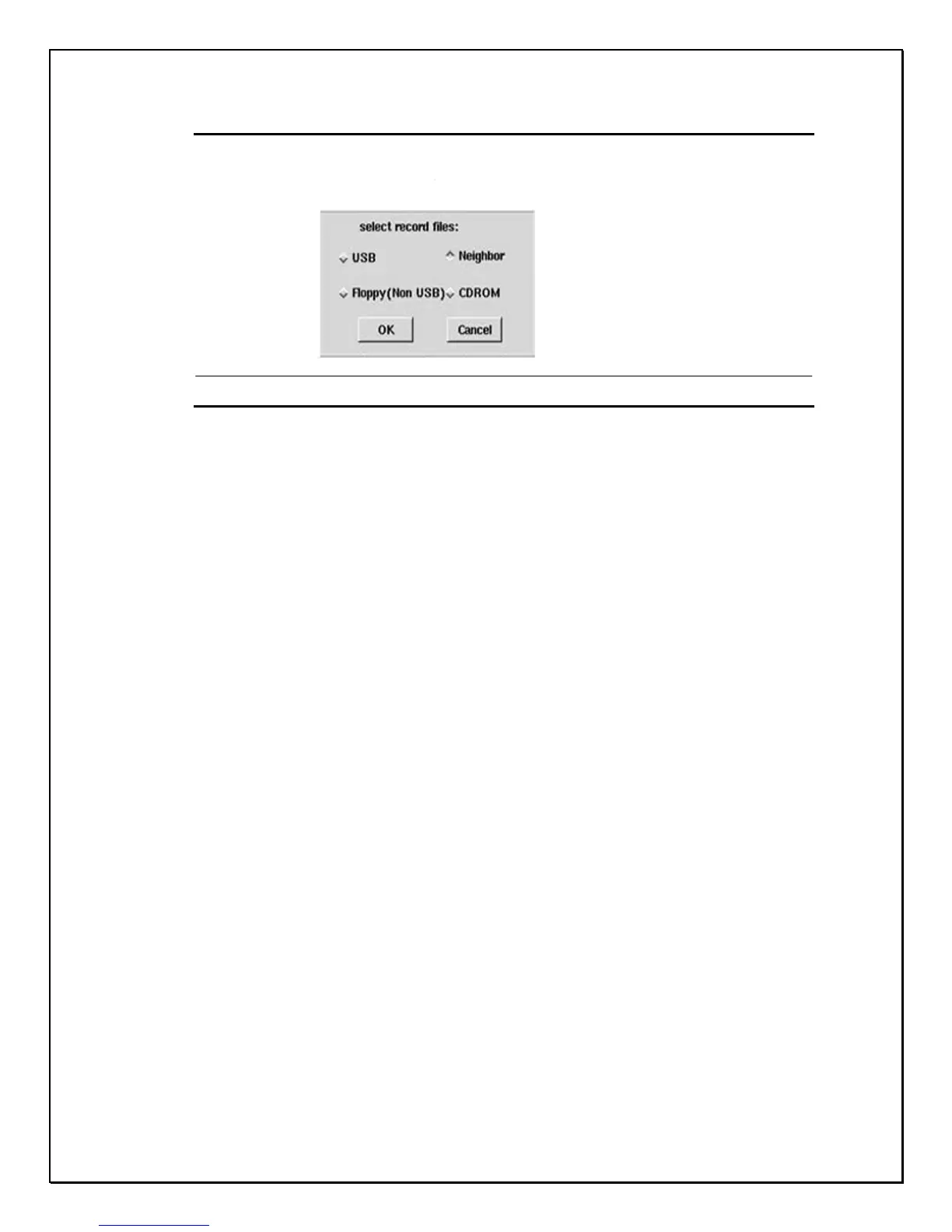
the “select record files” appears:
Figure 13-10-1 Playback from other devices
USB: Playback from a connected media device with saved data. USB HDD or
USB handy drive, Memory Stick (Please note that the USB device should be
connected to DVR before powering on)
Neighbor: Playback recorded data stored on a server hard drive through a
Network connection, LAN, WAN, Direct connect.
Floppy (FDD): Playback recorded data from a floppy drive.
CDROM: Playback recorded data from the external USB CD-RW.



 To Next Page