95
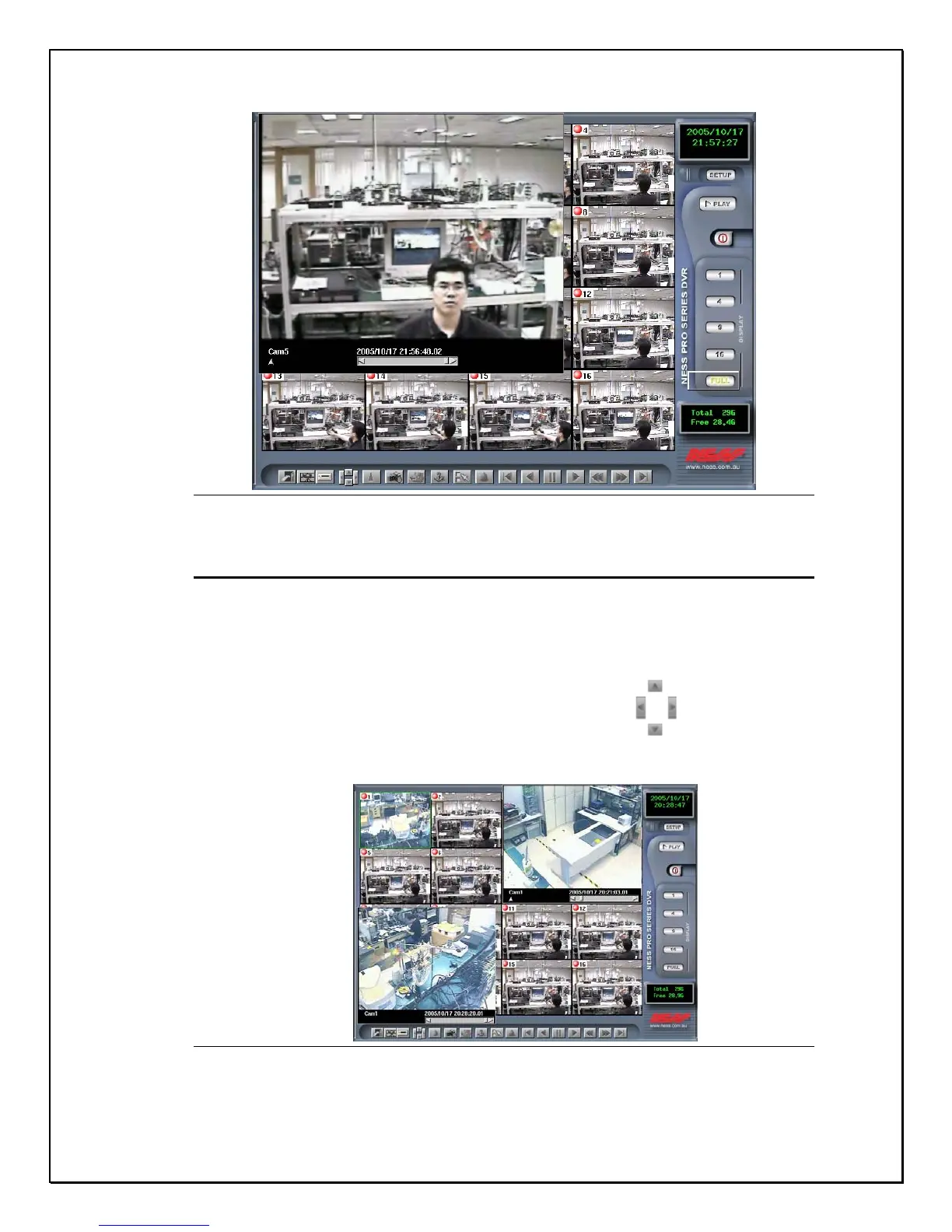
Figure 13-19: Blur Image
Moving playback frames
While viewing several playback screens, the entire screen or background screen
may be unclear. The directional icons can be used to move each playback video
to different parts of the screen. Click on the separate directions to position your
video in the right place.
See the images below that demonstrate this function.
Figure 13-20: Viewing more than one playback clip



 To Next Page