Net.DO Lighting Control Equipment Co.,Ltd http://www.netdo.com.cn
FOX512 Moving Light Controller. PAGE: 23
*TIPS: Some shapes run based on current attribute, for example: Circle run to current Pan/Tilt
location as the center, which means the whole shape will move when Pan/Tilt value is modified. And
some are only for fixtures with special attribute. For example: rainbow is just for fixtures with
RGB/CMY channels.
8.2 Stop SHAPE
There are 3 ways of operation to stop shapes as follows:
Stop all shapes:
Press STOP key, all shapes will stop. Then Press PLAY key, the corresponding indicator will
be bright and all shapes will restore running.
Stop shapes of certain fixtures:
Steps: Select fixtures Press PLAY to enter SHAPE menu Press CLR Shape (F4) soft key
Restore shape running by pressing CLEAR key to clear fixtures selecting
Run a “STOP” shape:
If some fixtures use “STOP” shape in a program, call that program to stop the running shape of
these fixtures.
8.3 Check shape of “Reference Fixture”
Select “Reference Fixture”, press PLAY to enter SHAPE menu; it will display the running shapes.
8.4 Skill in using shape
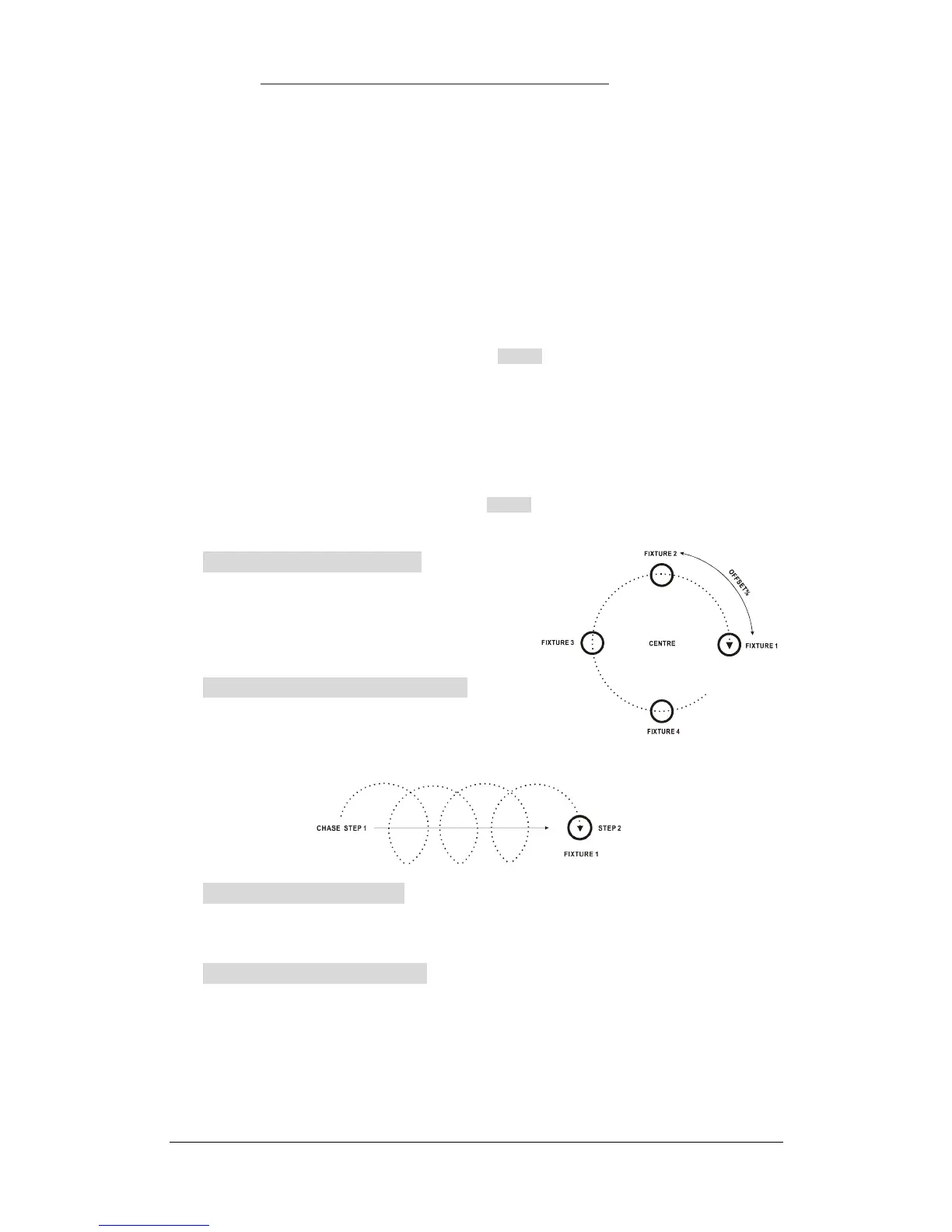
Example 1:Circle with 4 fixtures
1) Select 4 fixtures, set Pan/Tilt to make their spots
overlapped (the center of circle);
2) Call a shape; set the Type=Circle, Speed=40%,
Size=20%, Spread=25%.
Example 2:Move straight while circling
Program a “Multi-Step Program” (Chase) of 2
steps to make the fixtures move straight, then call the
same circle in both steps.
Example 3:Superpose shape
Each fixture can run up to 4 shapes together to achieve multiple graphics.
E.g.: Call rainbow+circle together to make fixtures change colours like rainbow while circling.
Example 4:Use shape of “Stop”
There is a Type of shape called “Stop”, which can be used to stop shapes between playback
programs. It can force to output a static scene when there are shapes running.
E.g.: No.2 fixture calls “Circle” in Playback 1.03, while it calls “Stop” in Playback 1.04. Run Playback
1.03 and then Playback 1.04, the running shape “Circle” will be forced to stop by shape “Stop”.


 To Next Page