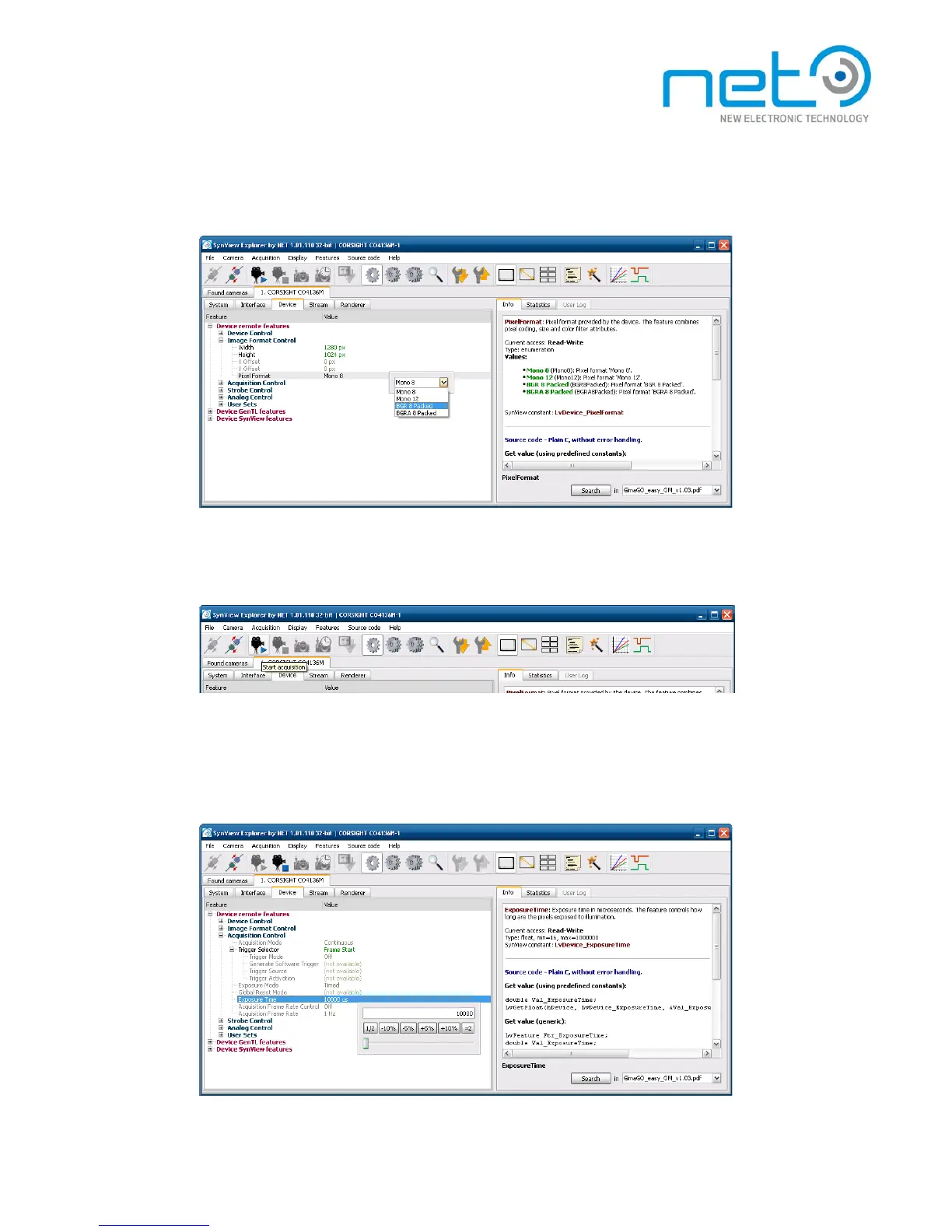
Configure the camera features as desired. Pay attention especially to features in Image F o r m a t
Control and Acquisition Control categories.
When prepared, click the Start acquisition button — the camera should start acquiring. If not,
verify again, if the camera was not set to triggered mode, while no trigger was attached.
While the acquisition is active, you can still adjust the runtime parameters, such as exposure
time or gain. Basic acquisition parameters, such as pixel format or trigger mode become l o c k e d
when the acquisition starts.
-
When finished, click the Stop acquisition button and exit.



 To Next Page