Basic camera features
This section s h o w s the most essential camera features r e l e v a n t for the basic tests.
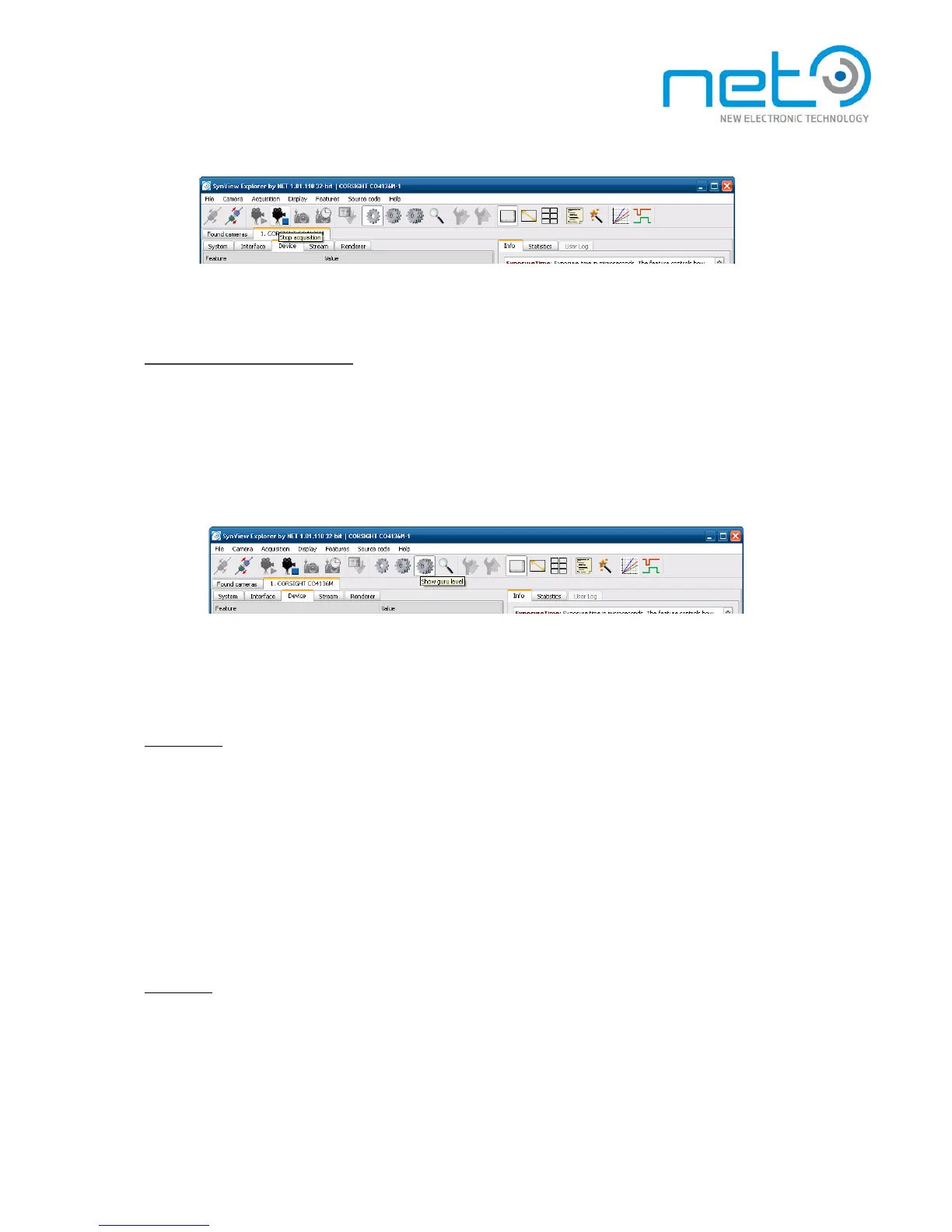
The S y n V i e w Explorer displays by default only the “basic” camera features intended to handle the
most common tasks. To display also the more advanced features, you need to switch to the “expert ”
feature level. Note that the third available level, “guru”, is intended just for debugging and should
not be used for normal operation.
Image format. The basic properties of the acquired image can be configured through features in the Image
Format category:
Pixel format
The Pixel Format feature is an enumeration allowing to specify the type of image data delivered to the
application buffer. The available pixel formats differ among camera models. In general, they can be
- Monochrome, with various number of bits per pixel, eg. Mono 8 or Mono 12.
- Bayer encoded, with sensor-dependent Bayer formats, eg. Bayer GR 8 or Bayer BG 8. In this case
the application needs to decode the Bayer encodedimage buffer to get a proper color ima g e —
S y nView API provides functions for this.
-
RGB color format, providing true RGB output, in this case the Bayer decoding is performed directly
by the camera.
I m a g e s i z e
The camera will acquire full size image by default. The acquired image size c a n b e reduced using the
Width and Height features, which set the acquired image size in pixels. The field of view will be
automatically centered within the full sensor image.



 To Next Page