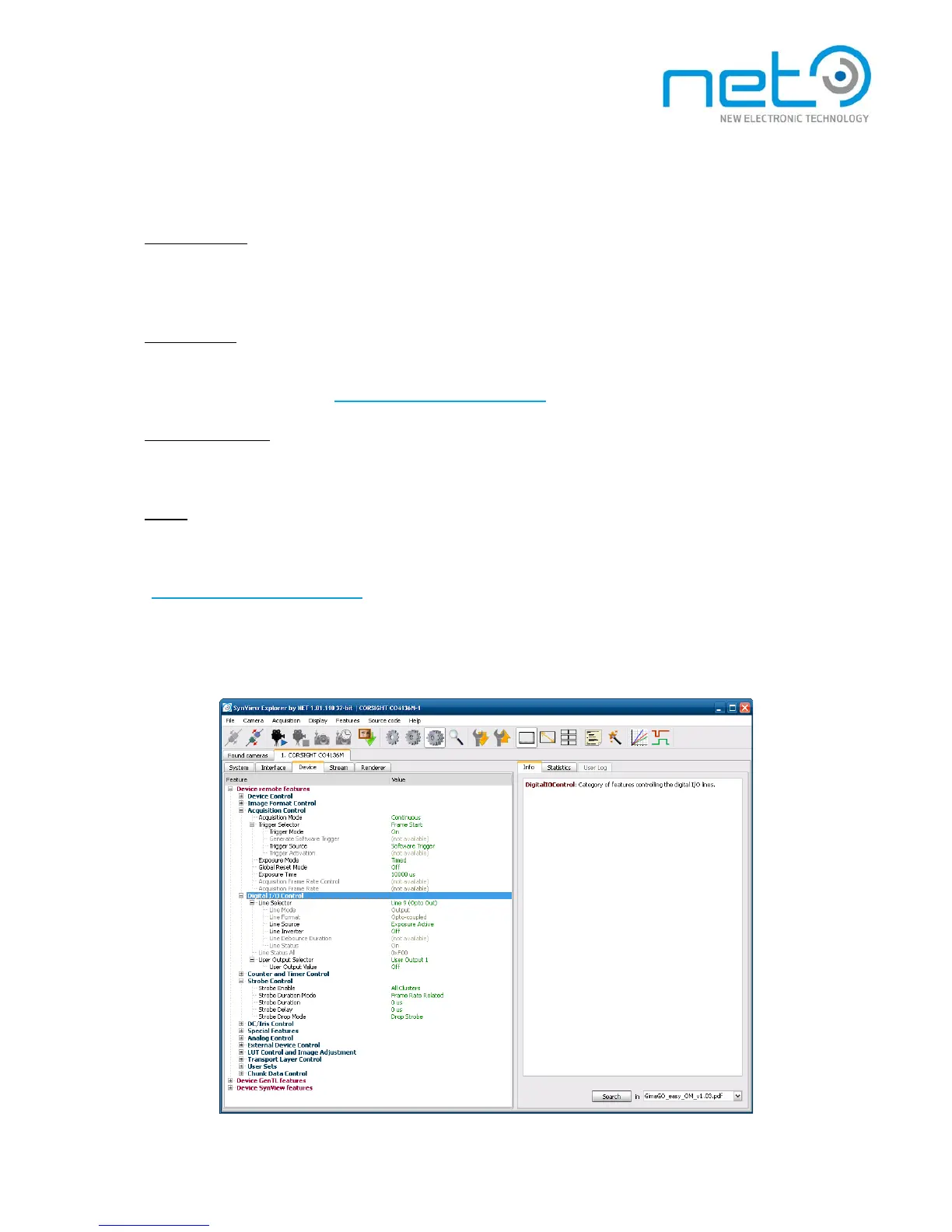
controlled by hardware or software triggers. The trigger related features are located in the Acquisition Control
category.
Triggered mode
To switch the camera to triggered mode, open the Trigger Selector subtree and set Trigger Mode to On.
After starting the acquisition again, the camera will acquire images only when explicit trigger signal
arrives.
Trigger source
The Trigger Source enumeration allows to select where should the camera “listen for triggers. You can
select either S o f t w a r e or one of the camera's I/O lines. The assignment of the I/O lines to the conn e c t o r
pins is described in S e c t i o n , “Connector and cable description
” .
Software triggering
The software triggers can be issued during active acquisition in triggered mode, regardless whether the
trigger source is set to Software or a physical I/O line. To apply the software trigger, select the Generate
Software Trigger feature and click the button in the tool bar.
S t r o b e
The strobe can be configured using features in the Digital I/O Control category, after switching the
feature visibility level to “expert”. Select the desired output line, where the strobe pulses should be
applied through Line Selector (the I/O line mapping to interface connector pins is described in Section,
“Connector and cable description
” ). Switch the strobe on for the selected line by setting Line Source to
Exposure Active. The camera will issue a strobe pulse aligned with the exposure for every acquired
f r a m e . T h e s t r o b e output is available only in triggered mode. In case the camera has an integrated
Strobe Ring, its Strobe can be controlled through the Strobe Control category. Select which Clusters to
use with Strobe Enable. Strobe Duration sets the length of the Strobe Pulse.



 To Next Page