10
GS716T, GS724T and GS748T Gigabit Smart Switch
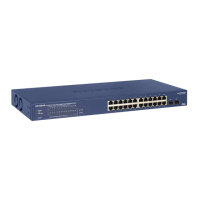
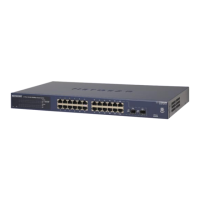
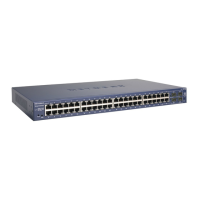
GS748T Front Panel Configuration
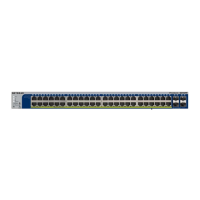
The GS748T has 48 10/100/1000 Mbps copper ports, two 1000 Mbps SFP combo ports, and
two dedicated 1000 Mbps SFP fiber ports. The SFP combo ports are shared with copper
ports 47 and 48. If the SFP combo ports are in use, copper ports 47 and 48 are inactive.
Every RJ-45 port is capable of sensing the line speed and negotiating the operation duplex
mode with the link partner automatically
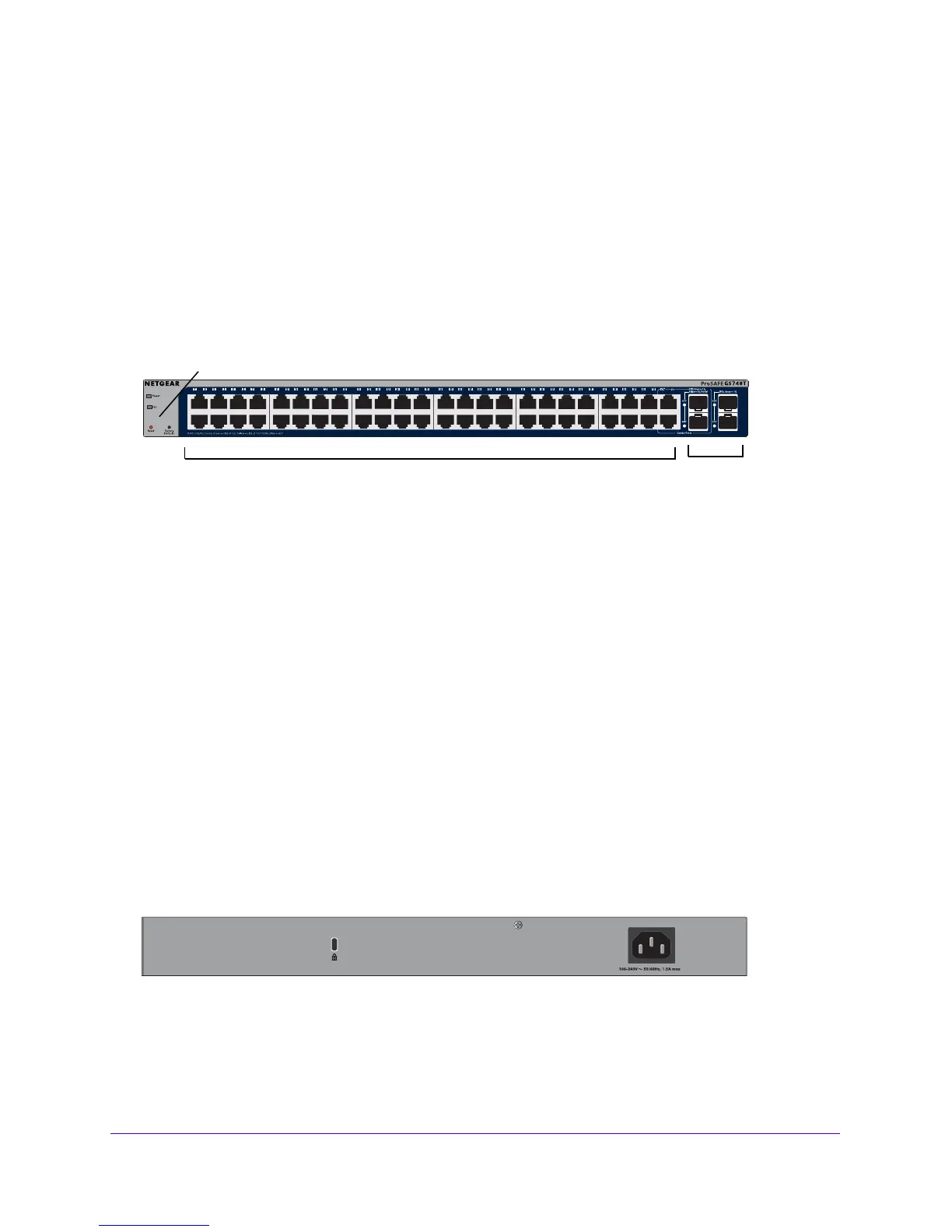
Figure 5 illustrates the NETGEAR GS748T Smart Switch front panel:
System LEDs
SFP Ports
10/100/1000 Mbps Ethernet Ports
Figure 5. GS748T Front Panel
The front panel contains the following:
• 4
8 RJ-45 connectors for 10/100/1000 Mbps auto sensing Gigabit Ethernet switching
ports.
• T
wo SFP combo Gigabit Ethernet switching ports
• T
wo dedicated 1000 Mbps SFP Gigabit Ethernet switching ports
• Reset bu
tton to restart the device.
• Recessed d
efault reset button to restore the device back to the factory defaults.
• L
ink, Speed, and Activity LEDs for each port
• Power
and FAN status LED
GS748T Back Panel Configuration
Figure 6 illustrates the NETGEAR GS748T Smart Switch back panel:
Figure 6. GS748T Back Panel
The back panel contains the following:


 To Next Page
 Loading...