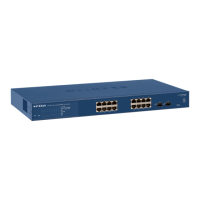
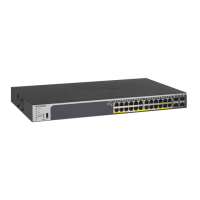
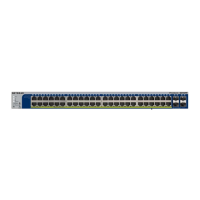
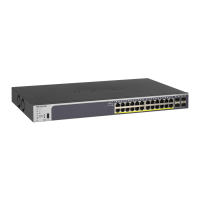
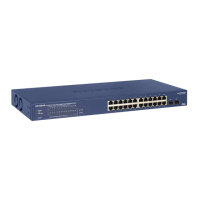
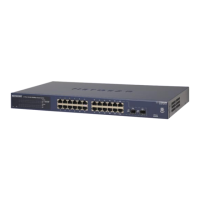
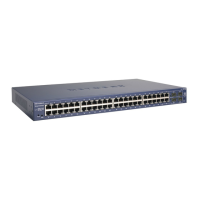
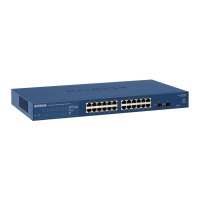
Table 2. Port LEDs GS748T
Port LED Designation
48 10/100/1000 Mbps
Copper ports
LINK/ACT/SPD • Off - No link established.
• Solid Green - A valid 1000 Mbps link is
e
stablished.
• Blinking Green - The port is transmitting
o
r receiving packets at 1000 Mbps.
• Solid Yellow - A valid 10/100 Mbps link is
e
stablished.
• Blinking Yellow - The port is transmitting
o
r receiving packets at 10/100 Mbps.
• If the media for ports 47 and 48 changes
to SFP
, the port LED for copper ports 47
and 48 changes to off.
Combo SFP port 47~48 LINK/ACT/SPD • Off - No SFP module link is established
• Solid Green - A valid 1000 Mbps SFP
mod
ule link is established.
• Blinking Green - The port is transmitting
o
r receiving packets at 1000 Mbps.
• Solid Yellow - A valid 100 Mbps SFP
mod
ule link is established.
• Blinking Yellow -The port is transmitting or
rece
iving packets at 100 Mbps.
• If the media for ports 47 and 48 changes
to coppe
r, the port LED for the SFP
combo ports changes to off.
SFP port 49~50 LINK/ACT/SPD • Off - No SFP module link is established
• Solid Green - A valid 1000 Mbps SFP
mod
ule link is established.
• Blinking Green - The port is transmitting
o
r receiving packets at 1000 Mbps.
12
GS716T, GS724T and GS748T Gigabit Smart Switch
System LEDs
The following table describes the system LED designations.
Table 3. System LEDs
LED Designation
Power LED • Solid Green - Power is supplied to the switch and the switch is
operating normally.
• Off
- Power is disconnected.
Fan LED (GS748T only) • So
lid yellow - The fan has experienced a fail.
• Off - Th
e fan is operating normally.


 To Next Page
 Loading...