19
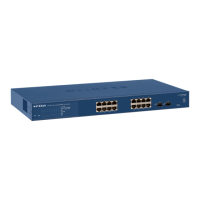
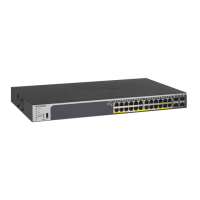
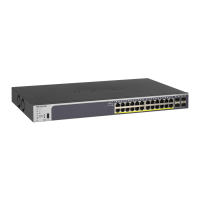
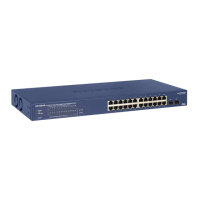
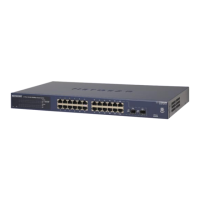
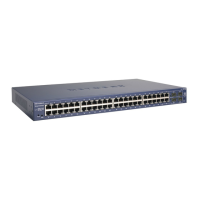
GS716T, GS724T and GS748T Gigabit Smart Switch
Step 2: Install the Switch
The NETGEAR GS716T,GS724T,GS748T Series Smart Switch can be installed on a flat
surface or in a standard 19-inch rack.
Install the Switch on a Flat Surface
The switch ships with four self-adhesive rubber footpads. Stick one rubber footpad on each of
the four concave spaces on the bottom of the switch. The rubber footpads cushion the switch
against shock/vibrations.
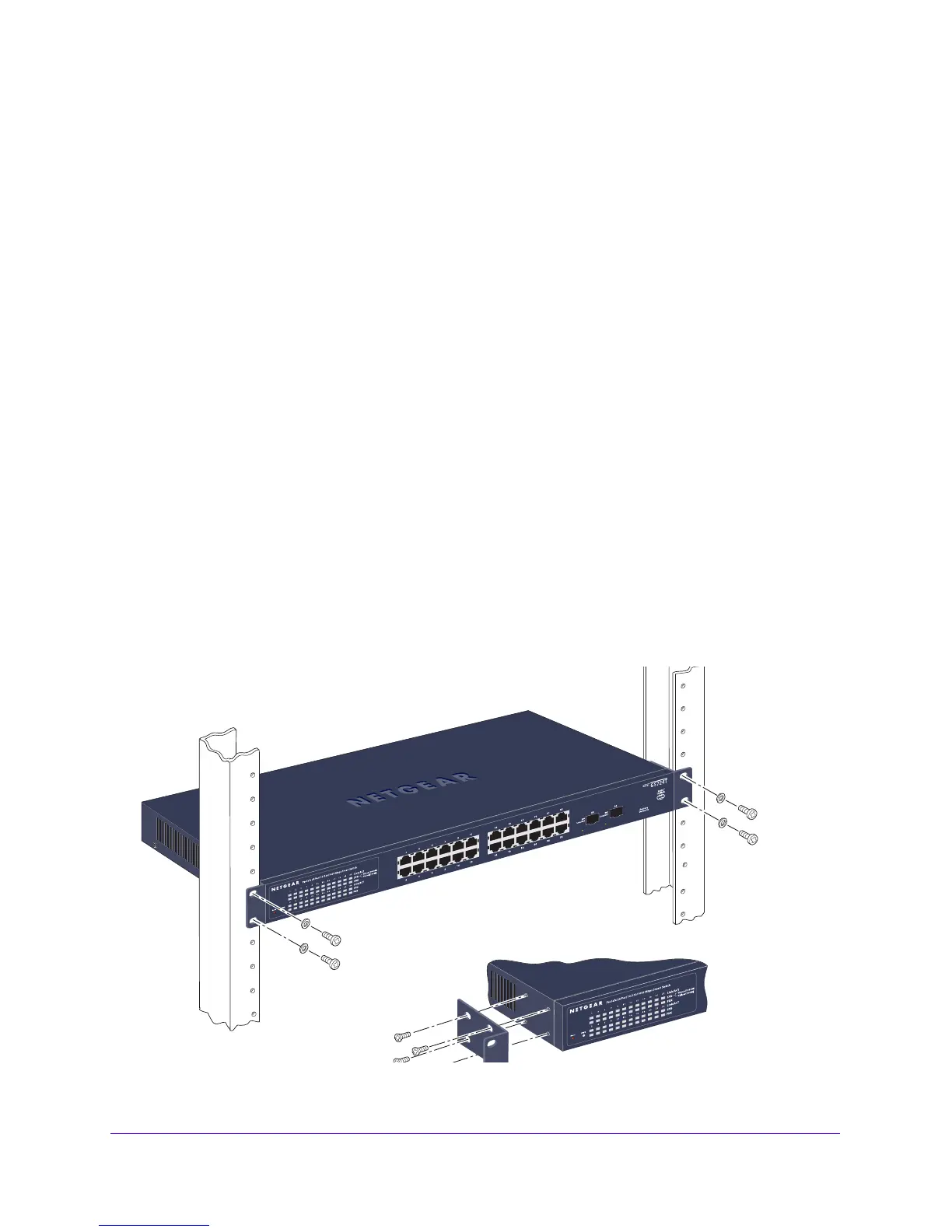
Install the Switch in a Rack
To install the switch in a rack, use the following procedure (and see Figure 9, Rack Mount on
page 19). To perform this procedure, the 17-inch rack-mou
nt kit supplied with switch is
required.
1. Att
ach the supplied mounting brackets to the side of the switch.
2. Insert
the screws provided in the rack-mount kit through each bracket and into the bracket
mounting holes in the switch.
3. T
ighten the screws with a #1 Phillips screwdriver to secure each bracket.
4. Align
the mounting holes in the brackets with the holes in the rack, and insert two pan-head
screws with nylon washers through each bracket and into the rack.
5. T
ighten the screws with a #2 Phillips screwdriver to secure the switch in the rack.
Figure 9. Rack Mount


 To Next Page
 Loading...