17
4
4. Installation
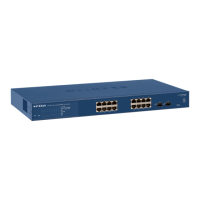
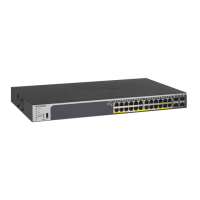
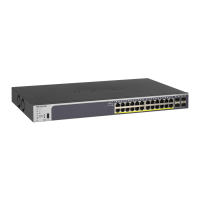
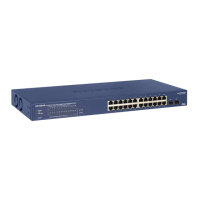
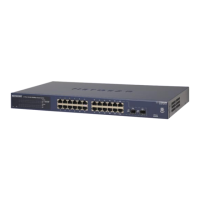
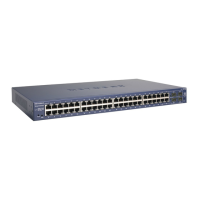
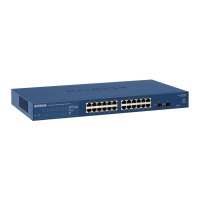
This chapter describes the installation procedures for your NETGEAR GS716T,GS724T and
GS748T Series Smart Switch. Switch installation involves the following steps:
Step 1: Prepare the Site
Step 2: Install the Switch
Step 3: Check the Installation
Step 4: Connect Devices to the Switch
Step 5: Install an SFP GBIC Module
Step 6: Apply AC Power
Step 7: Manage the Switch using a Web Browser or the Smart Control Center Utility


 To Next Page
 Loading...