18
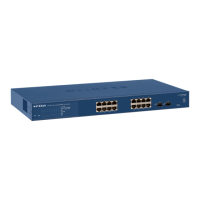
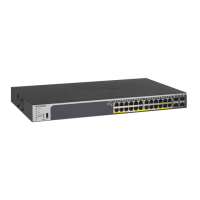
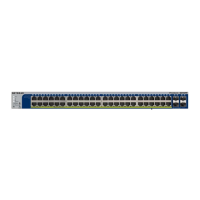
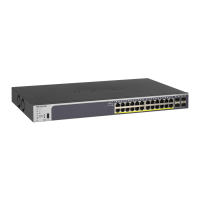
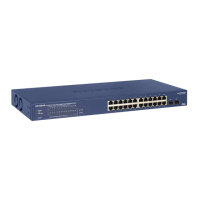
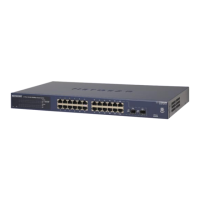
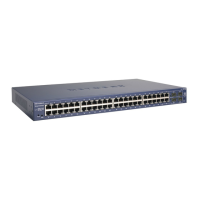
GS716T, GS724T and GS748T Gigabit Smart Switch
Step 1: Prepare the Site
Before you install the switch, ensure the operating environment meets the operating
environment requirements in the following table.
Table 4. Site Requirements
Characteristics Requirements
Mounting • Desk
top installations - Provide a flat table or shelf surface.
• Rack-mount installations - Use a 19-inch (48.3-centimeter) EIA standard
equipment rack that is grounded and physically secure. The rack-mount kit supplied
with the switch is also required.
Access Locate the switch in a position that al
lows access to the front panel RJ-45 ports, view the
front panel LEDs, and access power connector.
Power source Provide a power source within 6 feet (1.8 meters) of the installation location. Power
specifications for the switch are shown in GS716T/GS724T Back Panel Configuration
Ensure the AC outlet is not controlled by a wall switch, which can accidentally turn off
powe
r to the outlet and the switch.
Environmental • T
emperature - Install the switch in a dry area, with ambient temperature between 0
and 55ºC (32 and 131ºF). Keep the switch away from heat sources such as direct
sunlight, warm air exhausts, hot-air vents, and heaters.
• Op
erating humidity - The installation location should have a maximum relative
humidity of 90%, non-condensing.
• V
entilation - Do not restrict airflow by covering or obstructing air inlets on the sides
of the switch. Keep at least 2 inches (5.08 centimeters) free on all sides for cooling.
Be sure there is adequate airflow in the room or wiring closet where the switch is
installed.
• O
perating conditions - Keep the switch at least 6 ft. (1.83 m) away from nearest
source of electromagnetic noise, such as a photocopy machine.


 To Next Page
 Loading...