View the current firmware version
You can view the current firmware version that your mobile hotspot uses. You might
need this information if you are experiencing problems with your mobile hotspot.
To view the current firmware version:
1. Quickly press and release the Power button to wake your mobile hotspot.
The lock screen displays.
2. Swipe up to unlock your mobile hotspot.
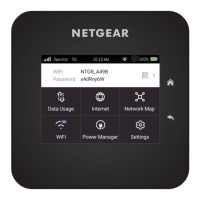
The home screen displays.
3. Tap Settings > Software.
The current firmware version displays.
User Manual30View alerts, SMS messages, and
usage information
Nighthawk M7 Ultra





 To Next Page