The user name is admin. The password is the one that you specified when you set
up your router. The user name and password are case-sensitive.
The BASIC Home page displays.
4. Select ADVANCED > Administration > Backup Settings.
The Backup Settings page displays.
5. Click the Erase button.
The configuration is reset to factory default settings. When the reset is complete,
the router restarts. This process takes about two minutes.
WARNING: To avoid the risk of corrupting the firmware, do not interrupt
the reset. For example, do not close the browser, click a link, or load a new
page. Do not turn off the router. Wait until the router finishes restarting.
User Manual133Manage and Monitor Your
Router
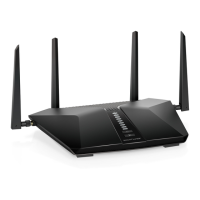
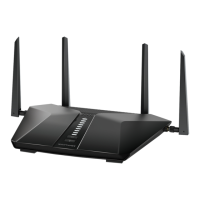
4-Stream AX1800 WiFi 6 Router Model RAX9 and Model R6600AX







 To Next Page