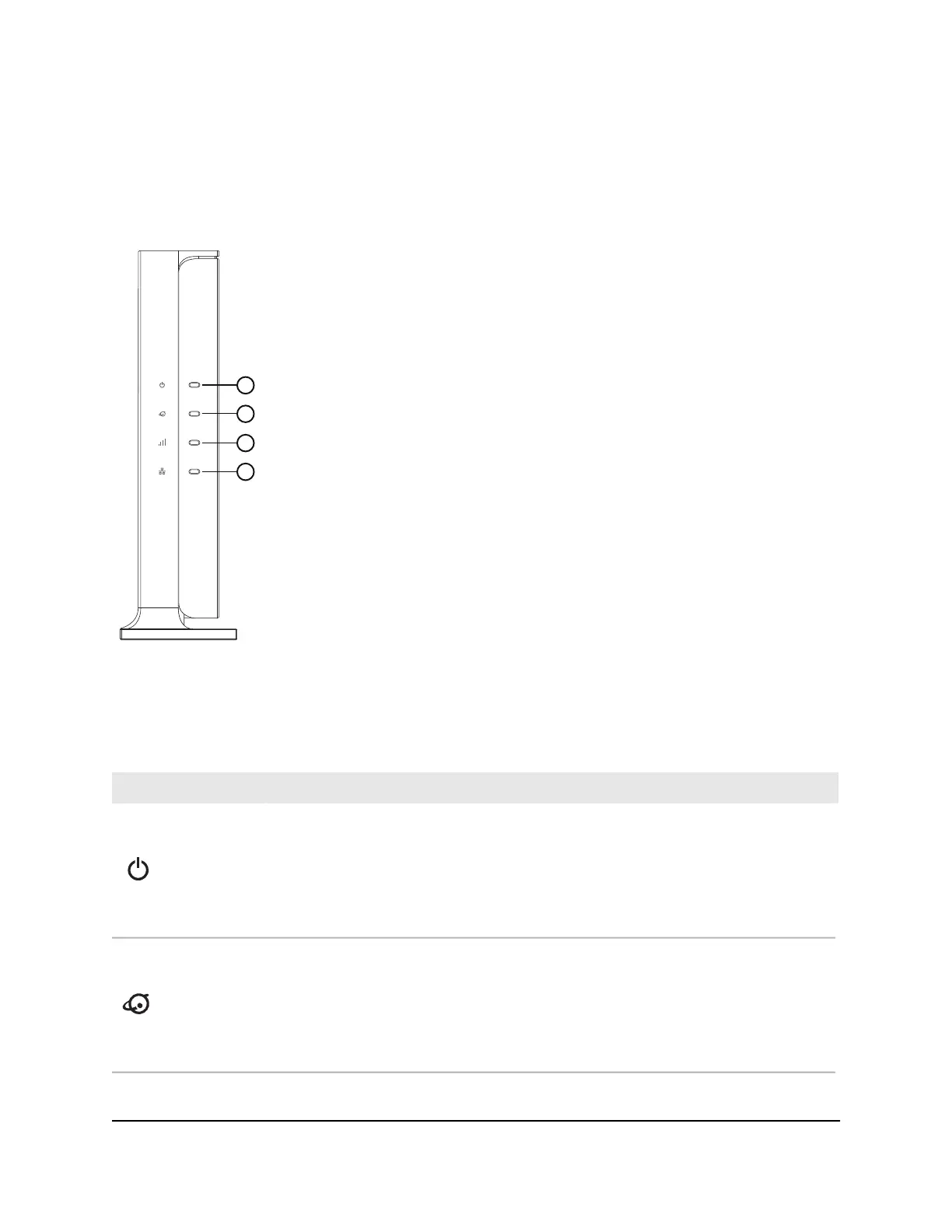
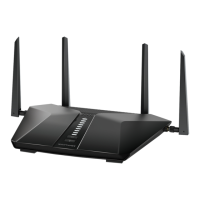
Front LEDs
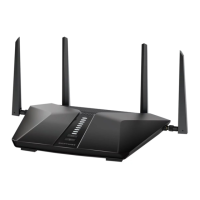
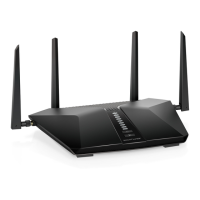
The status LEDs are located at the front of the router.
Figure 2. LEDs
The following tables describe the LEDs and buttons.
Table 1. LED descriptions
DescriptionLED Icon
•
Solid green: The router is ready.
•
Solid amber: The router is starting.
•
Blinking amber: The router is not ready, firmware is upgrading, or the Reset button
was pressed.
•
Off: Power is not supplied to the router.
1: Power LED
•
Solid green: The Internet connection is ready.
•
Blinking green: The port is sending or receiving traffic.
•
Solid amber: An Ethernet cable is connected to the Internet port but Internet is not
accessible.
•
Off: No Ethernet cable is connected between the router and the modem.
2: Internet LED
User Manual10Hardware Setup
4-Stream AX1800 WiFi 6 Router Model RAX9 and Model R6600AX







 To Next Page