To cable your router:
1. Unplug your modem, remove and reinsert the backup battery if it uses one, and
then plug the modem back in.
2. Use the Ethernet cable to connect the modem to the yellow Internet port on the
router.
NOTE: If your Internet connection does not require a modem, connect your
main Ethernet cable to the yellow Internet port on the router.
3. Connect the power adapter to your router and plug the power adapter into an outlet.
The router’s Power LED lights solid green when the router is ready.
User Manual15Hardware Setup
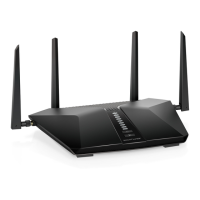
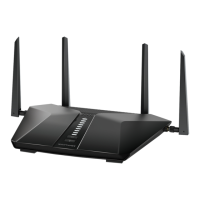
4-Stream AX1800 WiFi 6 Router Model RAX9 and Model R6600AX







 To Next Page