Impulse Responses can be added to your Prole via the Cortex Cloud Website.
1
Go to https://cloud.neuraldsp.com/cloud
2
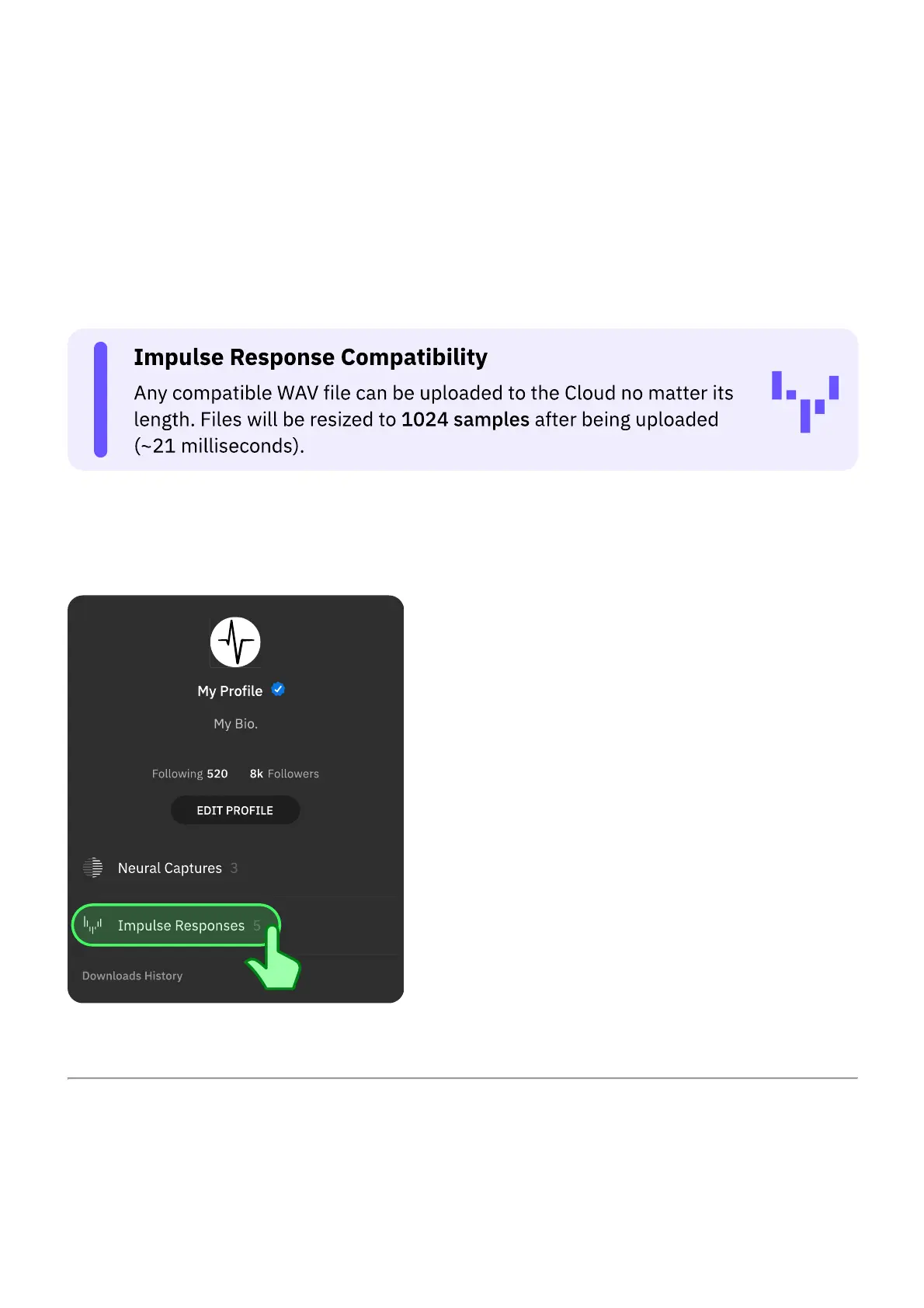
Access your Prole on Cortex Cloud.
3
Go to the IMPULSE RESPONSES section.
4
Drag-and-drop IR les from your computer to the upload area. Alternatively, click
BROWSE to search for custom locations.
• • •
ADDING IMPULSE RESPONSES
Access your Prole and tap Impulse Responses.



 To Next Page