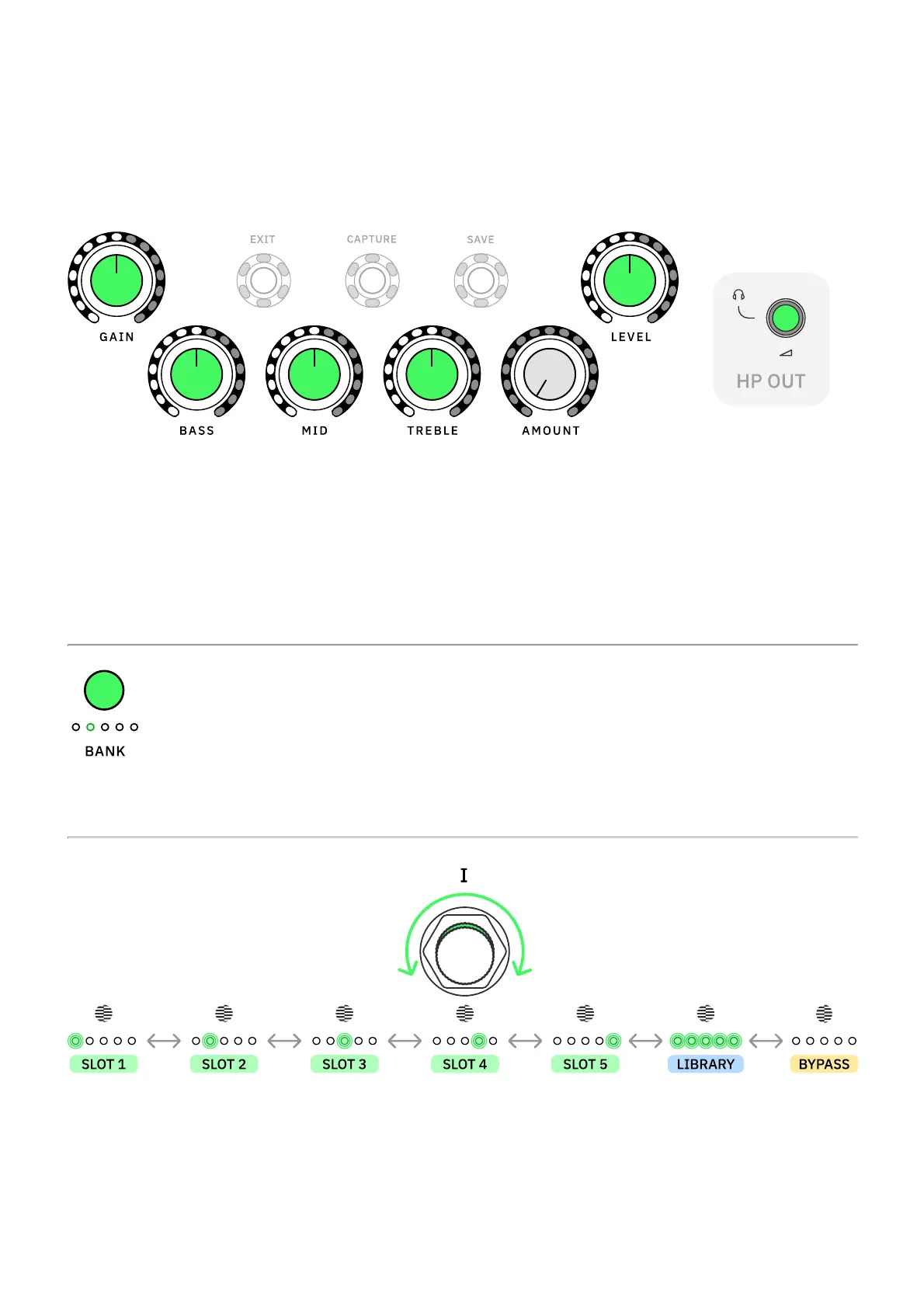
Global Controls
Turn GAIN, BASS, MID, and TREBLE knobs clockwise and counterclockwise to control the
Capture parameters.
Turn LEVEL to control the master output volume (OUTPUT 1L and 2R).
Use the HP OUT knob on the back to control the headphones output volume.
Press BANK to cycle through Capture banks.
Turn Footswitch I clockwise or counterclockwise to navigate Capture slots.
All the LEDs will turn on when using a Neural Capture from the library that is not currently
assigned to any slot.
Navigate to the last position, where the LEDs are not lit, to bypass the Neural Capture.



 To Next Page