Turning on your Nano Cortex
Connect your Nano Cortex to the power source.
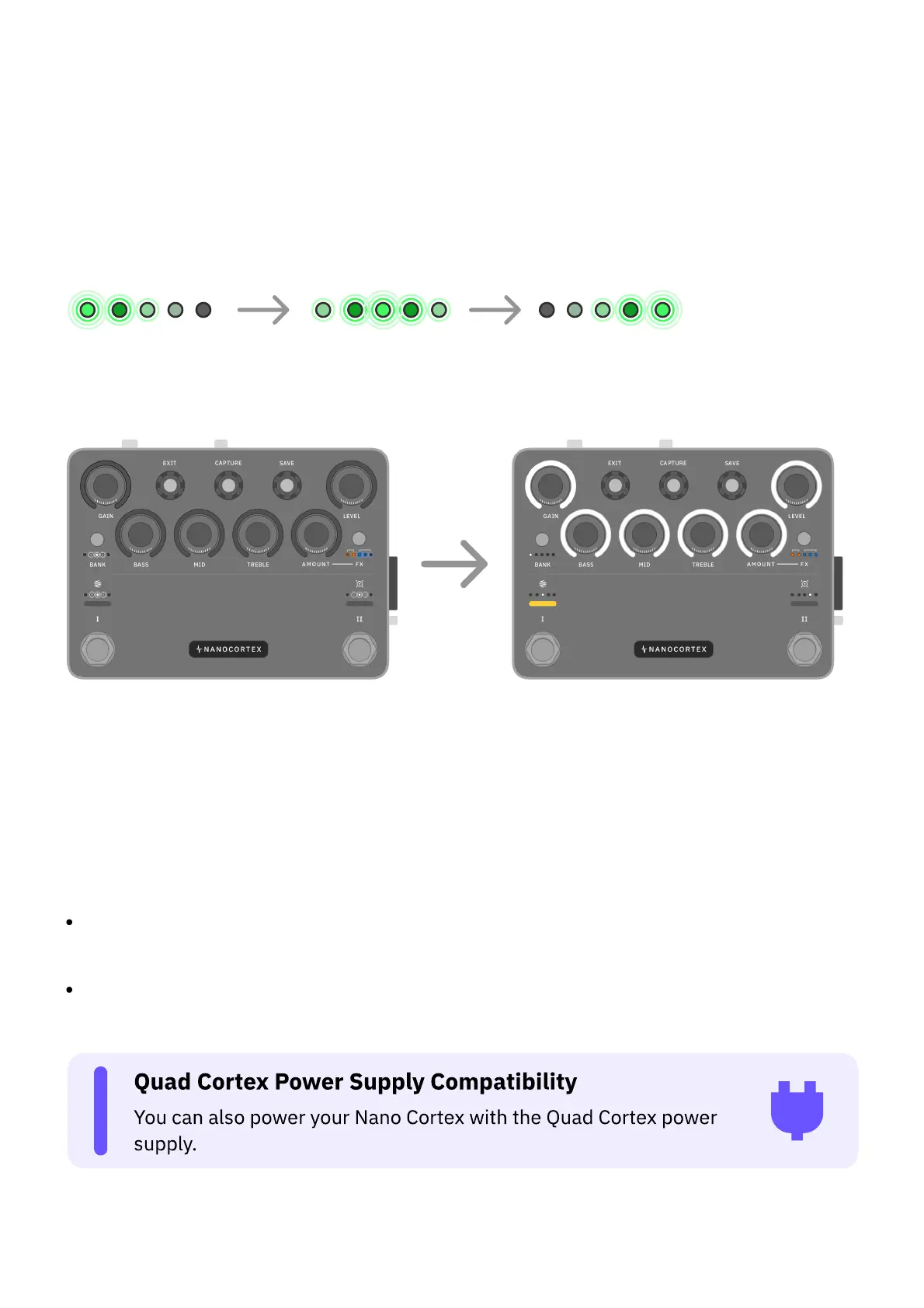
After a few seconds, the BANK, CAPTURE, FX, and IR LEDs will light up indicating that Nano
Cortex is powering on.
Once the booting sequence completes, Nano Cortex will enter Performance Mode.
• • •
POWER SOURCES
Nano Cortex can be powered by two different sources:
EXTERNAL POWER SUPPLY: Nano Cortex requires a center-negative power supply that
provides 9-12V DC and at least 600mA, using a standard 2.1/5.5mm DC connector.
USB-C: Nano Cortex can also be powered via USB-C (5V-1.5A). Connect the unit to your
computer or another USB-C compliant power source with the included USB-C cable.



 To Next Page