Firmware Updates
Nano Cortex's operating system is called NanOS. Keeping NanOS up to date improves the
functionality, security, and overall user experience of your Nano Cortex.
Ensure that the Nano Cortex is properly paired with your smartphone and that your Internet
connection is stable.
• • •
UPDATE PROCESS
A banner will appear at the top of the app screen whenever a NanOS update is available.
1
Tap Update at the right side of the banner.
2
Follow the instructions on screen. Tap UPDATE to start the download process.
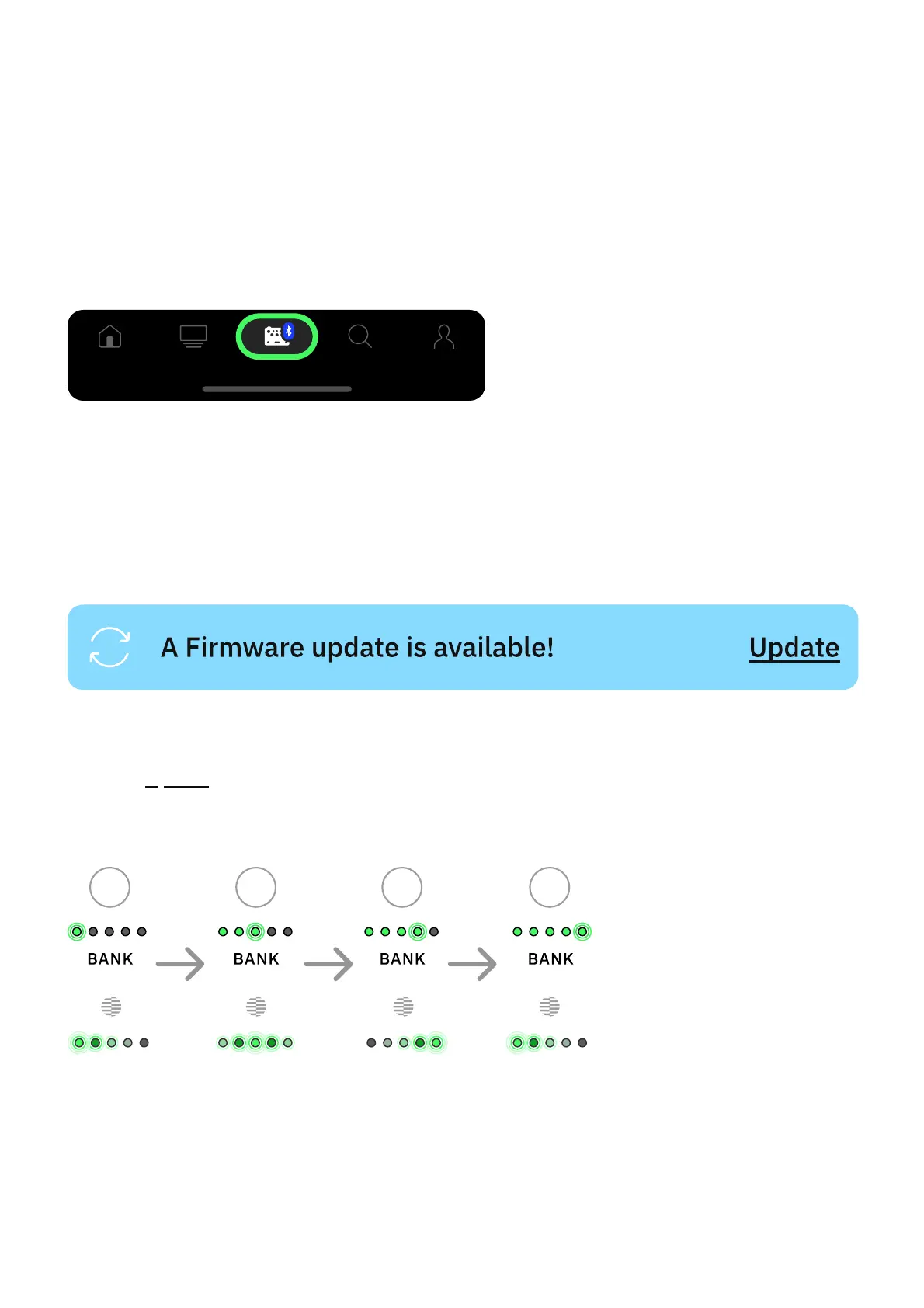
Nano Cortex's BANK and CAPTURE LEDs will reflect the download progress. Once the
download completes, please wait a few minutes for your Nano Cortex to nish the installation.
After the setup, Nano Cortex will reboot and automatically reconnect to your smartphone.



 To Next Page