Create New Neural Capture
While you can create a Neural Capture without using the Cortex Cloud app, using the app offers
a better, guided experience from start to end.
To create a Neural Capture, you need to be able to connect an overdrive pedal, mic up a
cabinet, or connect an amplier via a reactive load box.
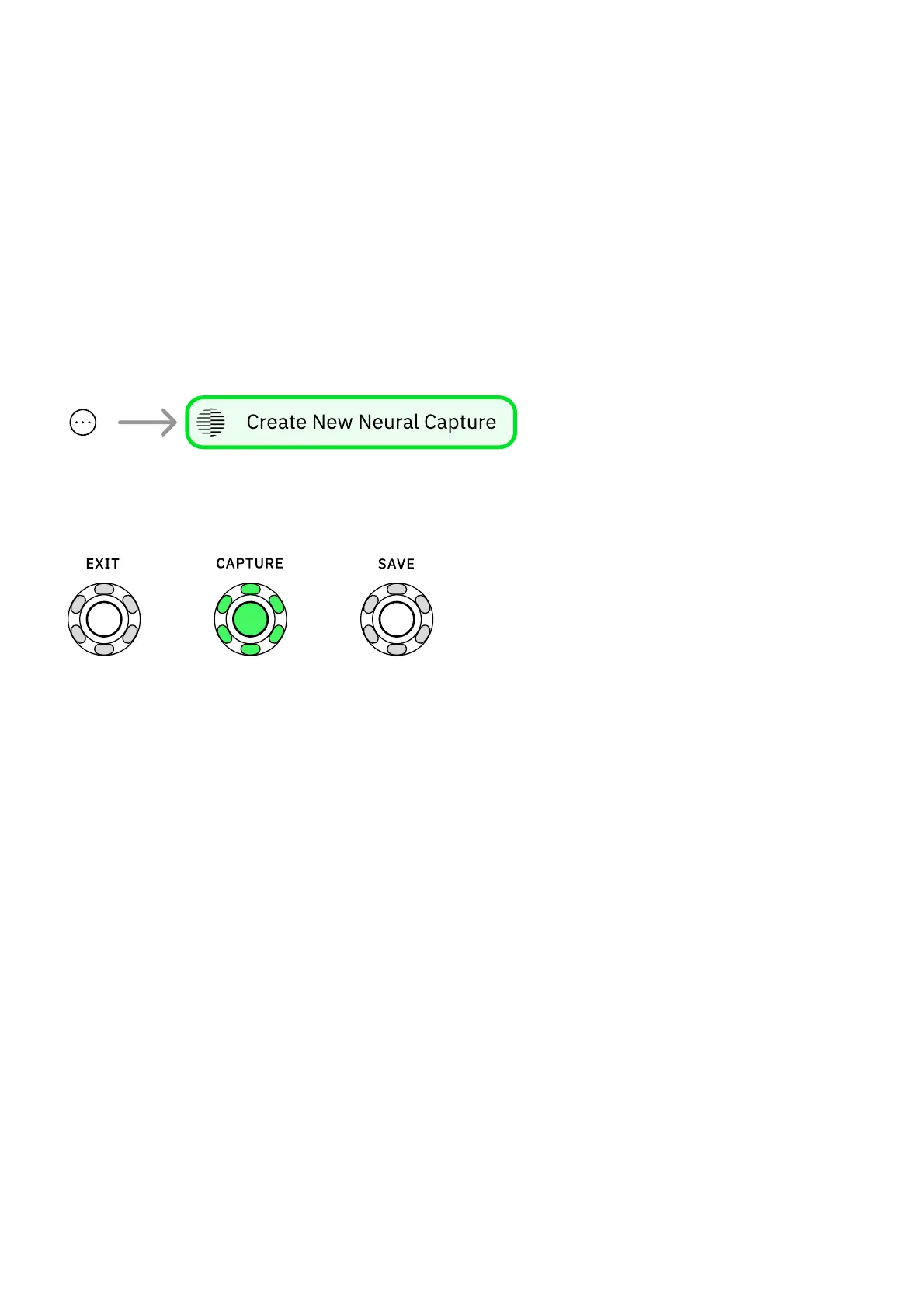
Tap the contextual menu button at the app's top-right corner, and select Create New Neural
Capture to access the 'Connection Diagram' screen.
Alternatively, press the CAPTURE button on your Nano Cortex while the Cortex Cloud app is
open. The app will automatically skip the 'Connection Diagram' and enter the 'Calibration
Settings' screen.
• • •
CONNECTION DIAGRAM SCREEN



 To Next Page