Drag the slider to set the LED brightness of your Nano Cortex (60% by default).
PRESET OPERATION MODE
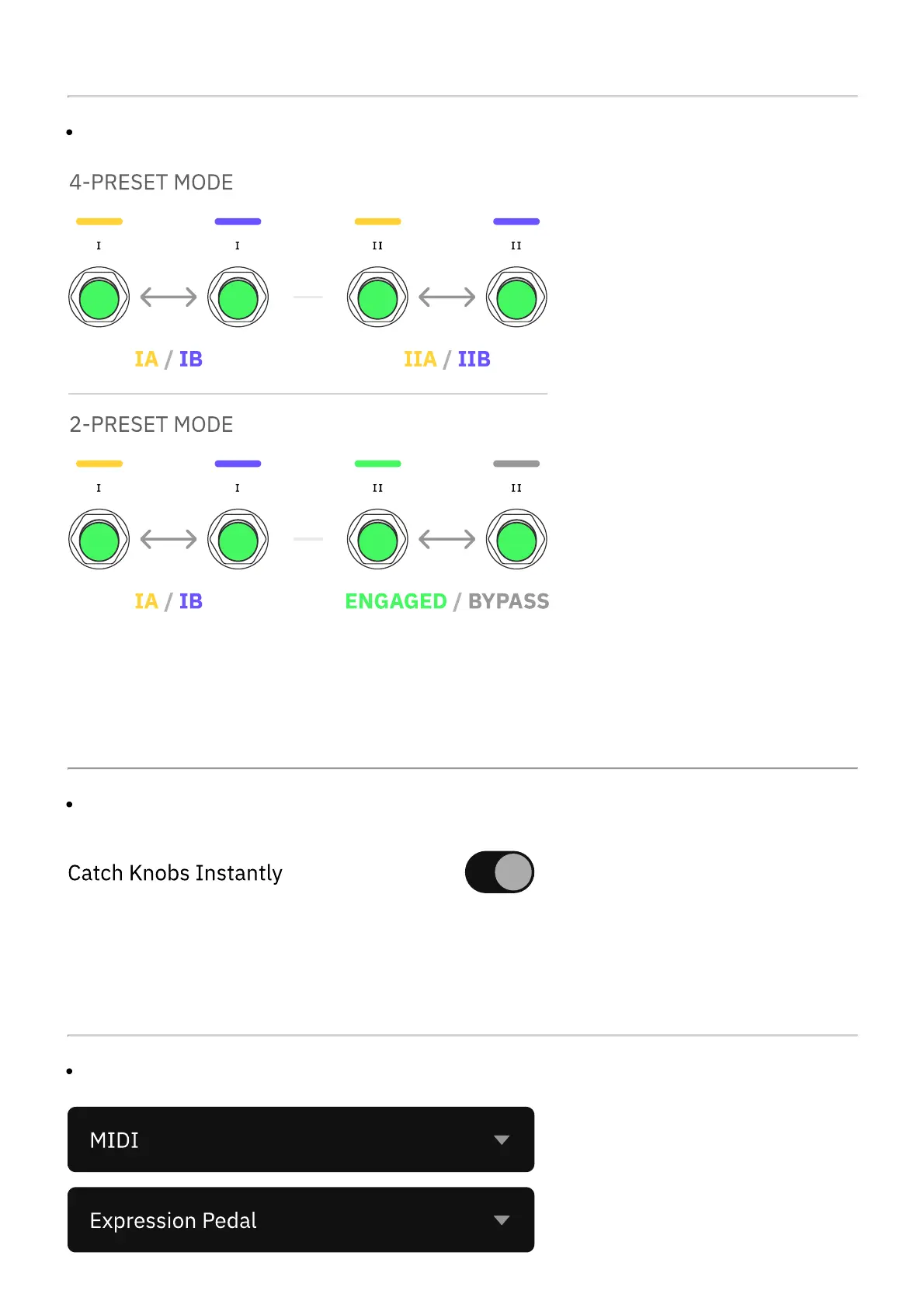
Enable 4-Preset Mode to assign Presets to both Footswitches I and II (IA, IB, IIA, and IIB).
If this setting is disabled, Nano Cortex will operate in 2-Preset Mode, allowing only Footswitch
I to recall Presets (A and B) while Footswitch II will function as a global bypass switch.
KNOB OPERATION MODE
By default, the Nano Cortex knobs adjust parameters immediately when turned. If this setting
is disabled, Nano Cortex will operate in Latching Mode, where the knobs' position must match
the values indicated by the LED rings before they start adjusting parameters.
EXP/MIDI INPUT BEHAVIOR



 To Next Page