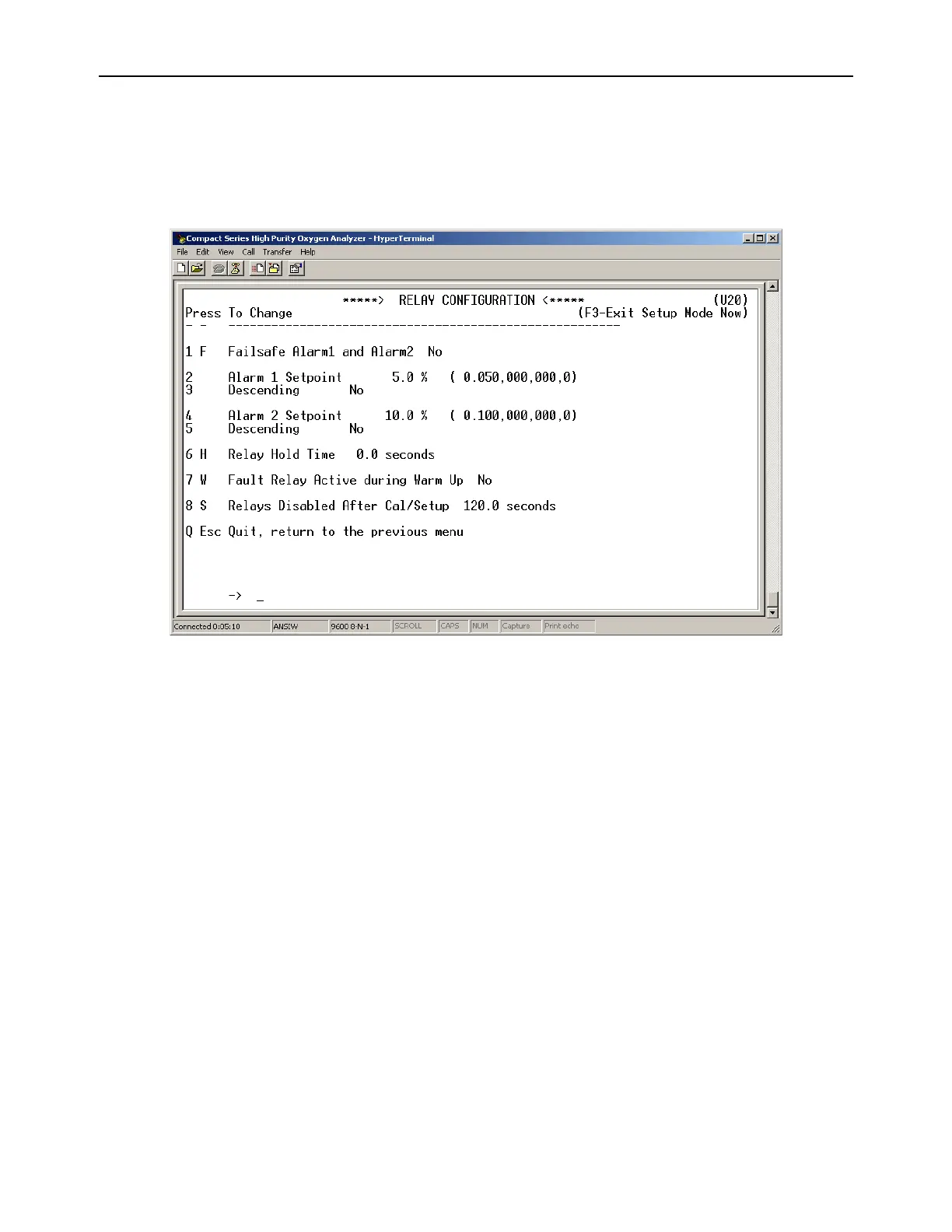
4.1.2.10 (U20) Alarm Relay Setup Menu
The RS-232 Alarm/Relay Setup menu U20 provides access to all of the settings related to the
Alarms, controls, and relays on the Model 1100 analyzer. It is accessed from the Setup Main
Menu by typing “2” or “R” on the RS-232 Terminal. To navigate backwards, use the <Esc> or “Q”
key on the RS-232 terminal.
Figure 13 – Relay Configuration Menu
4.1.2.10.1 Alarm-1 and Alarm-2 Relays Failsafe
This parameter allows the user to set the Alarm-1 and Alarm-2 relays to either failsafe or non-
failsafe action. Failsafe action is defined as; relay coils are not powered (contacts are in normal
position) in active alarm state. Non-Failsafe action is defined as; relay coils are powered (contacts
are in non-normal position) in active alarm state. The Alarm-1 and Alarm-2 Relays Failsafe setting
may be set to “YES” or “NO”. This setting is accessed from the Alarm and Relay Setup Menu by
typing “1” or “F” on the RS-232 terminal.
4.1.2.10.2 Alarm-1 Level Setting (setpoint)
This setting sets the threshold level for Alarm-1. Depending on whether or not it is set to
ascending or descending, Alarm-1 becomes active when the oxygen concentration is above or
below this threshold level. The Alarm-1 setpoint may be set anywhere from 0.0 % to 100.0 %.
This setting is accessed from the Alarm Relay Setup Menu by typing “2” on the RS-232 terminal.



 To Next Page