4.1.2.7 SETTING UP THE MODEL 1100 – The RS-232 User Setup Menu
The RS-232 User Setup menu U00 is the “Home” screen in Advanced Level-1 access (section
4.1.2.5), and provides access to all the parameters that may need to be adjusted by the user. The
interactive menu is initiated by typing “setup” and pressing the "Enter" key on the RS-232 terminal;
as in entering Advanced Level-1 access. To navigate backwards, use the <Esc> or “Q” key on the
RS-232 terminal.
4.1.2.8 Return all Settings to Factory Delivered Settings
In case of severe corruption of calibration and setting information, this setting will allow the user to
restore the Model 1100 analyzer to its “out-of-box” setting. The user may type “Y” at the prompt to
initiate a restore, or “N” and the prompt to bypass a restore. This setting is accessed from the
Setup Main Menu by typing “F” on the RS-232 Terminal. To navigate backwards, use the <Esc>
or “Q” key on the RS-232 terminal.
4.1.2.9 System Information Display
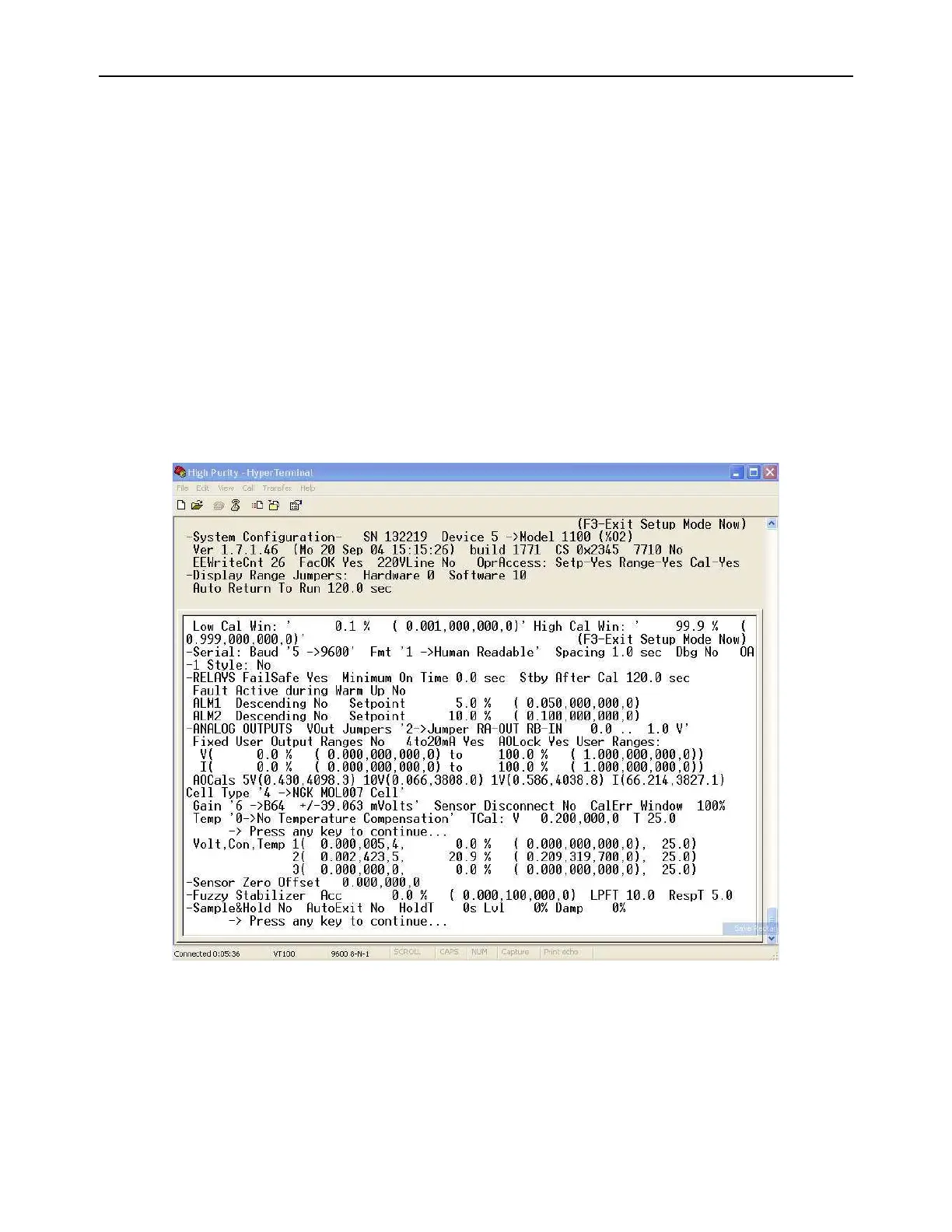
The System Information Display U10 is a list of all the current settings for the 1100 analyzer. It is
accessed from the Setup Main Menu by typing “1” or “I” on the RS-232 Terminal.



 To Next Page