
 To Next Page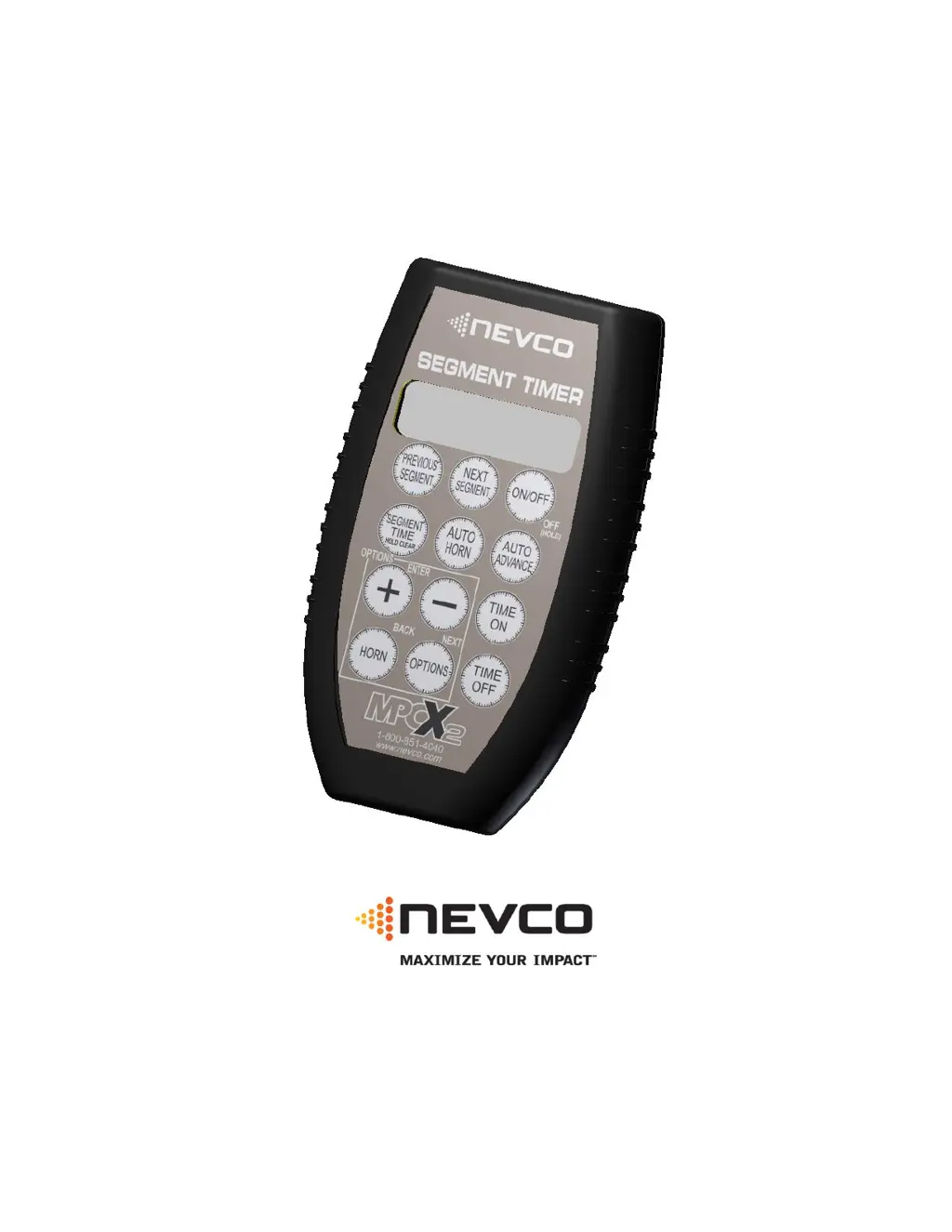

T
Tracey WalkerSep 13, 2025
Why can't I turn the time on my Nevco Accessories?
- MMichelle DonaldsonSep 13, 2025
You may not be able to turn the time on your Nevco Accessories if the time is at 0.0 and set to count down. Set some time on the clock.

Why can't I turn the time on my Nevco Accessories?
You may not be able to turn the time on your Nevco Accessories if the time is at 0.0 and set to count down. Set some time on the clock.
What to do if not all controls of a multi-control Nevco MPCX2 Accessories scoreboard system operate the scoreboard?
If not all controls of a multi-control Nevco Accessories scoreboard system are operating the scoreboard, it may be because multiple controllers were powered on at the same time and not all connected. Power cycle the controllers that are not operating the scoreboard.
Why won't my Nevco MPCX2 scoreboard turn on?
If your Nevco Accessories scoreboard won't turn on, the control searches for too long, data doesn't change, the display shows incorrect information, or you can't turn the time on, here's what to do: * **Receiver/Scoreboard Power:** Cycle the power to the receiver or scoreboard. * **Signal Strength:** Check the control signal strength using the Options menu. * **Battery Level:** Replace the batteries in the control. * **Control Location:** Ensure the control has a clear line of sight to the scoreboard. Move closer to the scoreboard if needed. * **Receiver Linking:** Use the Options Menu to check the receivers the control is linked to and the receivers on its list. Ensure wanted receivers are powered ON. * **Scoreboard Linking:** Use the Options Menu to link the control to the s...
Lists compatible scoreboard models for different MPCX2 control types (A-F, X6XX).
Step-by-step guide on how to change the scoreboard model type setting.
Provides instructions on how to add a new segment to the timer project.
Explains how to modify segments, start, and stop the segment timer operation.
Configures Auto Advance and Auto Horn settings for individual segments.
Covers removing, inserting, and managing segments and their specific functions.
Details how to select and set time for segments when the timer is in the 'Time Off' state.
 General
| Brand | Nevco |
|---|---|
| Model | MPCX2 |
| Category | Accessories |
| Language | English |