Page 26
Resetting Multiple Units
If the Recall file reloaded has more than one unit stored within it, then the first unit
that appeared in the tool tip box will be loaded first.
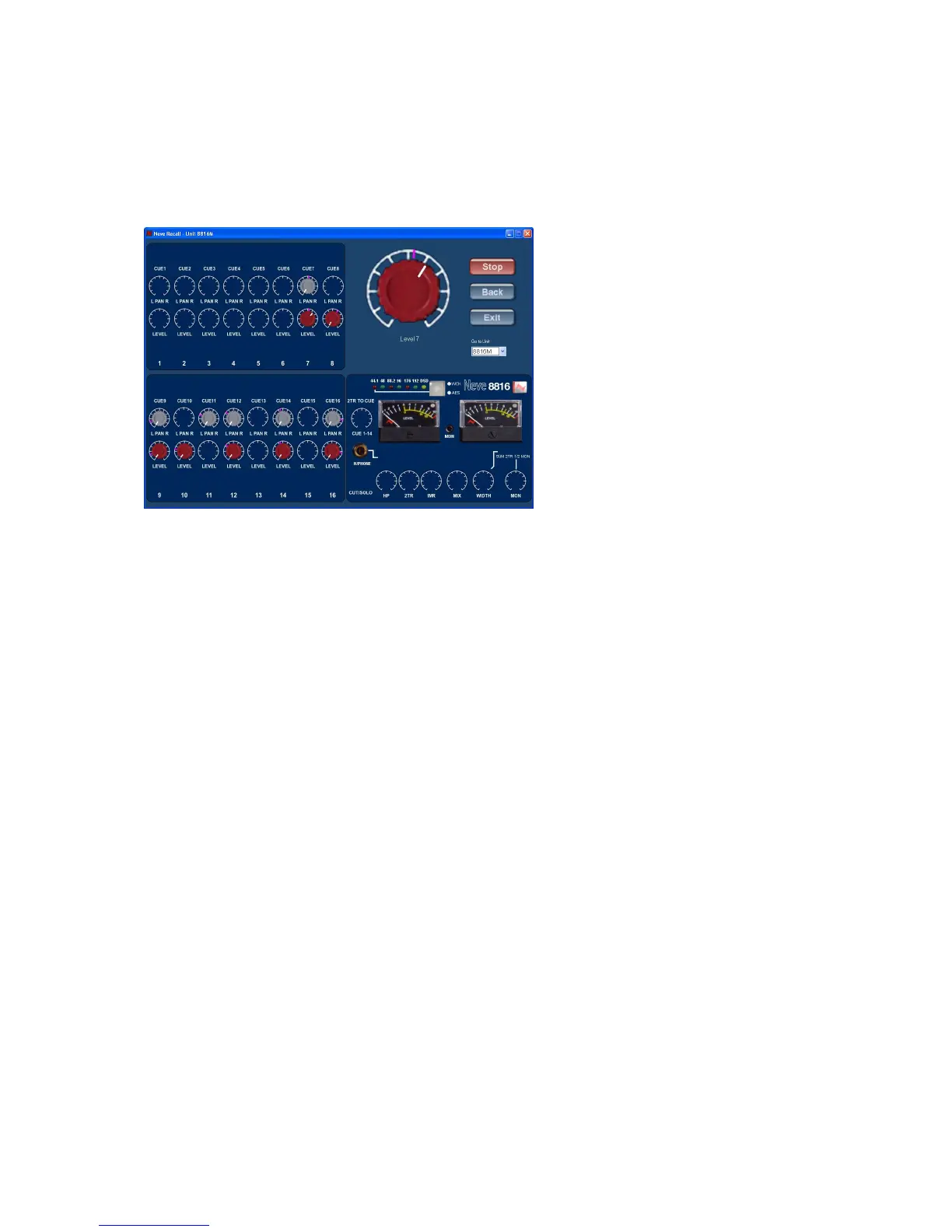
Multiple Recall units are also shown a "Go To Unit" drop down box, which displays all
the units available. It is possible to go to any of the other unit's Recall screen at any
time by double clicking on the desired unit in the drop down box. This would not
result in the loss of the currently active screen, as this would be inserted into the
dropdown box for resetting at a later time.
Every time the Recall for each unit has been completed the "Unit Reset" confirmation
message will appear and a reset tag will be attached to the reset unit in the ‘Go To’
box.
When all of the units have been reset an "All Units Reset" confirmation message will
be displayed.
N.B.
The drop down box "Go To Unit" will only be displayed when more than one
unit exists in the Recall file to be reset.


 To Next Page