NEWTON S 26
SYSTEM OPERATION MANUAL
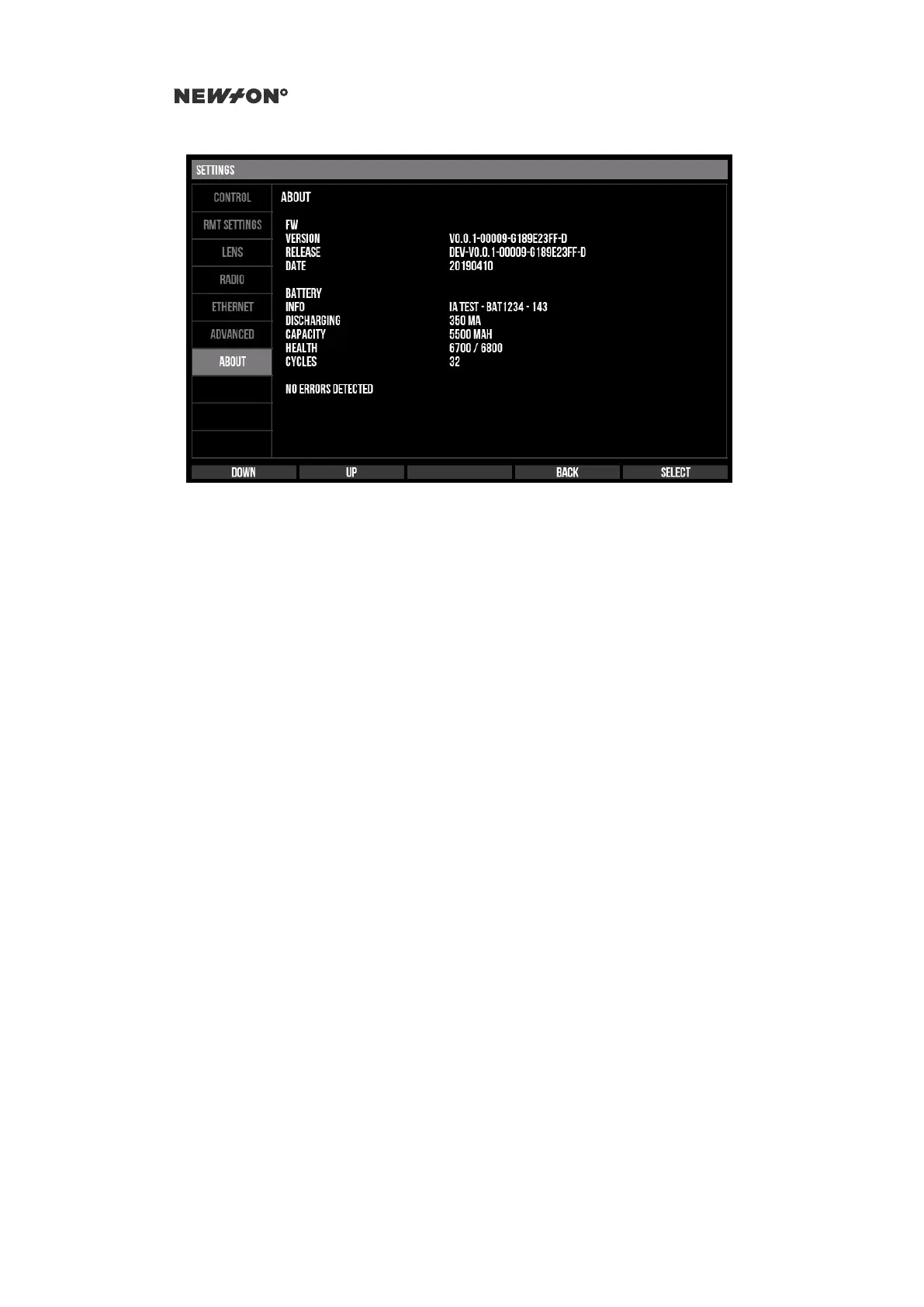
Figure 5.8: Newton C1 Settings - About tab
5.6 NEWTON S LOCAL SETTINGS
The settings menu contains settings that can be set locally on the Newton head. To access the settings
menu, press the SELECT button (center button) at the main screen.
The settings menu is divided into a number of tabs grouping settings together in logical groups.
To navigate the menu use UP/DOWN button to move between fields and LEFT/RIGHT to change
its value. SELECT activates functions.
To exit the settings menu and return to the main menu, move the selection to the tab bar and press
SELECT.
5.6.1 RADIO
Configuration of the radio modems is done in the RADIO settings menu. To use a radio modem the
modem must be enabled and active modem must be set to the modem that is going to be used. To
save the configuration, select SAVE CONFIG.
DO NOT DISTRIBUTE
Copyright © 2019 Newton Nordic AB


 To Next Page