EN 13
REMOTE CONTROL PAIRING
METHOD 1
There are infrared (IR) sensors at the front center of the projector and on
the remote. If you choose to use this method to control the projector, it
has a maximum range of 26 feet.
METHOD 2
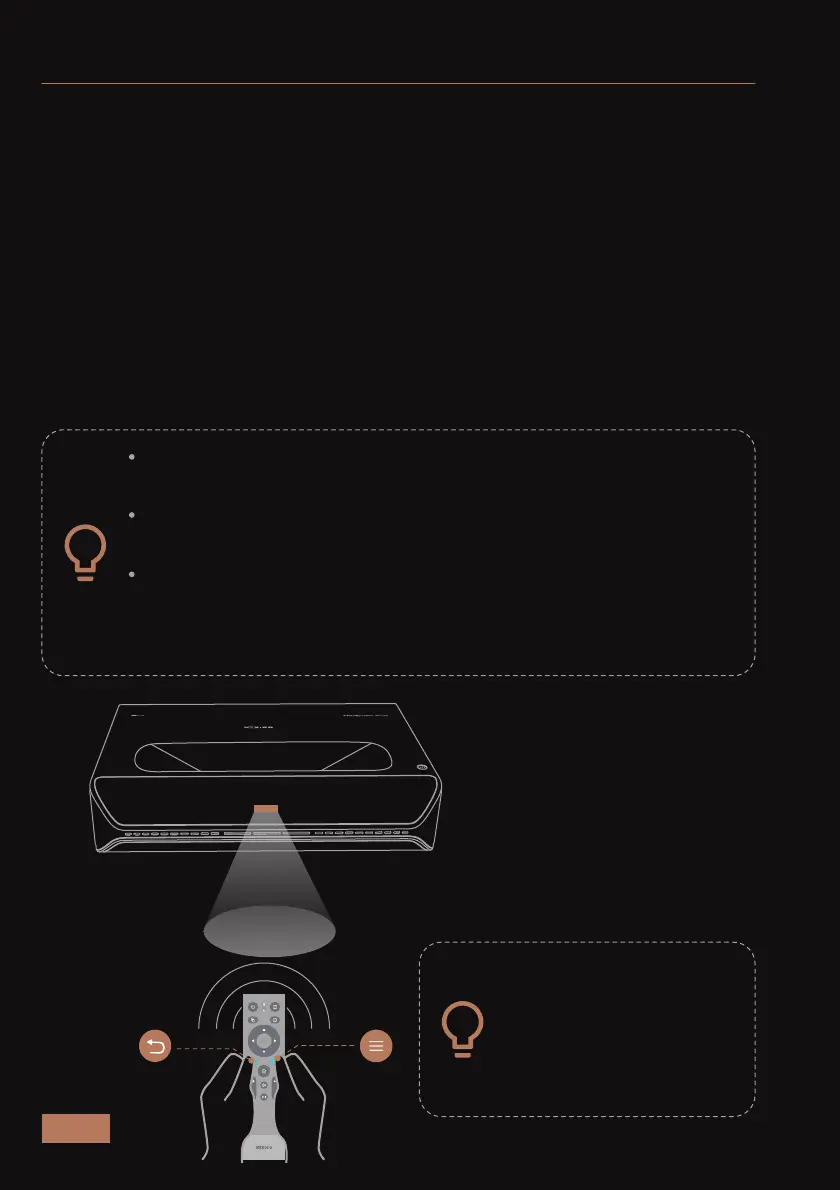
Ensure that the remote is within a few feet of the front of the projector
before pairing. Press and hold the Return and Menu buttons
simultaneously for at least 10s to put the remote control into pairing
mode with the projector. If the pairing is successful, the screen will
show "Remote connected".
If the connection is disabled, you will need to re-pair the
remote in order to continue using it via method 2.
Do not place objects in front of the projector's IR sensor. This
may prevent the sensor from operating properly.
The IR sensor on the remote, like all IR sensors, can be
interfered with by extremely bright light sources. If the
remote is not working properly, make sure that there are no
bright lights shining on them.
When holding the
remote control, it must
be within 15 degrees of
the infrared sensor to
work properly.
±15°



 To Next Page