EN 36
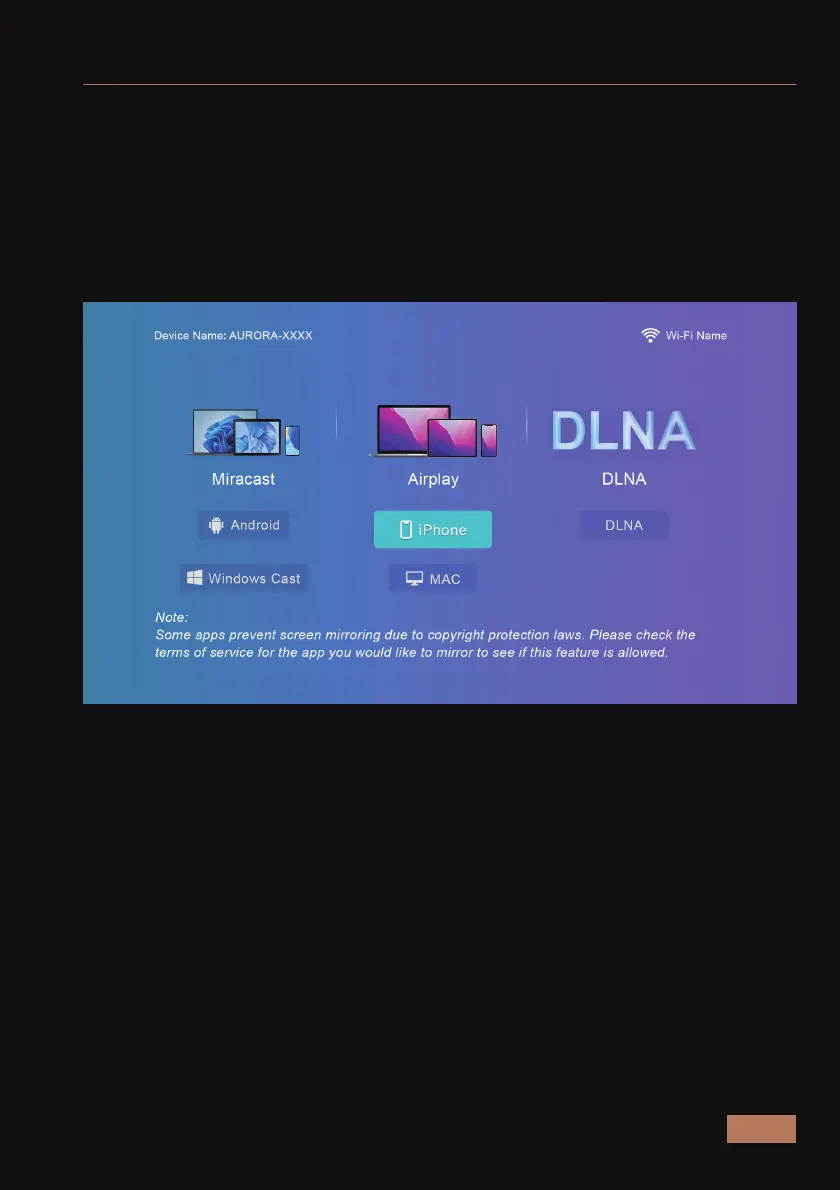
You can wirelessly connect your iPhone, iPad, MacBook, computer, or a
wide range of other devices to the projector. Alternatively, you can use a
wired connection with your iPhone or iPad to share your screen.
For a wireless connection, ensure the projector and your device are
connected to the same network. Instructions on how to connect the
projector to a network are available in the network section of the
manual.
MULTISCREEN CONNECTIONS



 To Next Page