EN 28
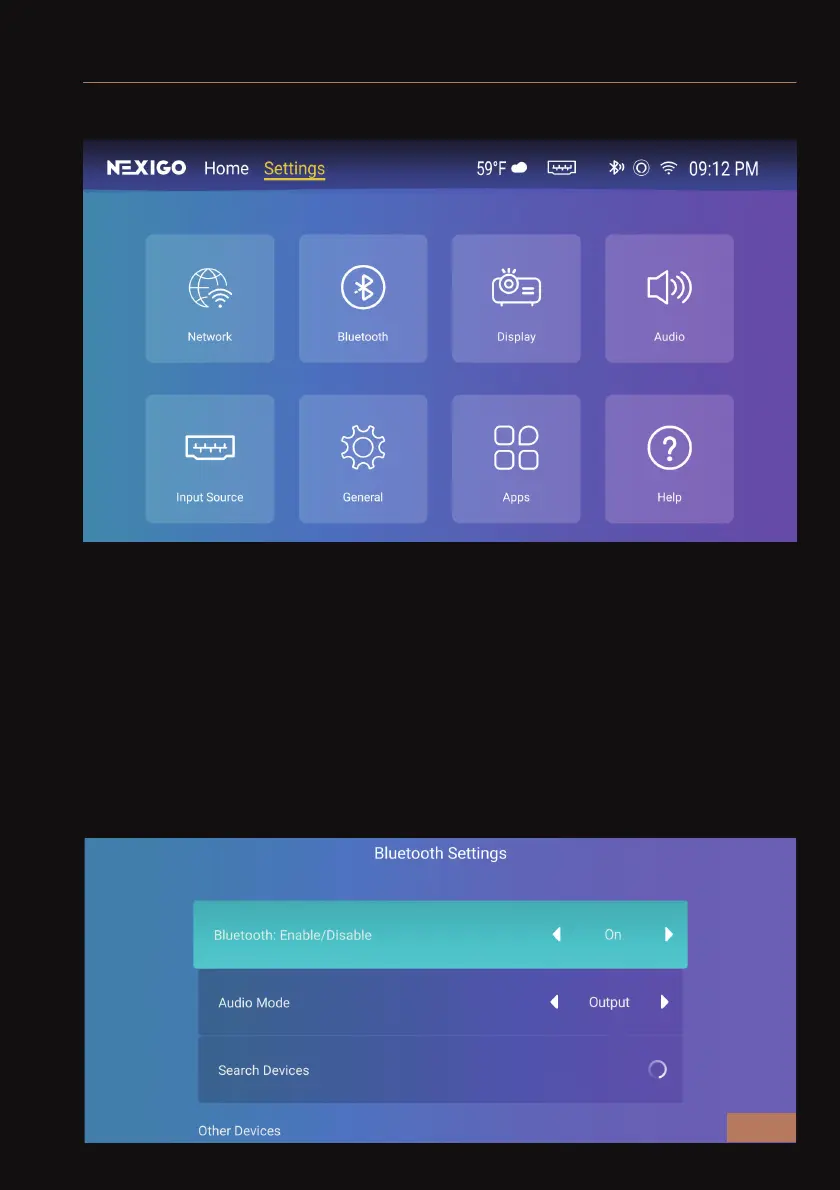
Under the Settings menu, you will find the options shown below:
SYSTEM SETTINGS
WIRELESS CONNECTIONS
To connect your projector to a wireless device, you must first turn on
wireless connections for the projector and any device you wish to pair
it with.
Pairing with Audio Devices -
The projector can be connected to a wireless audio device. Please
choose Output for Audio Mode in the menu, then scroll down to Search
Device until you see the wireless audio device you wish to connect to.



 To Next Page