EN 22
Due to manufacturing tolerances, there will be variances of
about 3% from unit to unit. As such, the data shown above is
for general reference only. Please test your measurements
before installing the device.
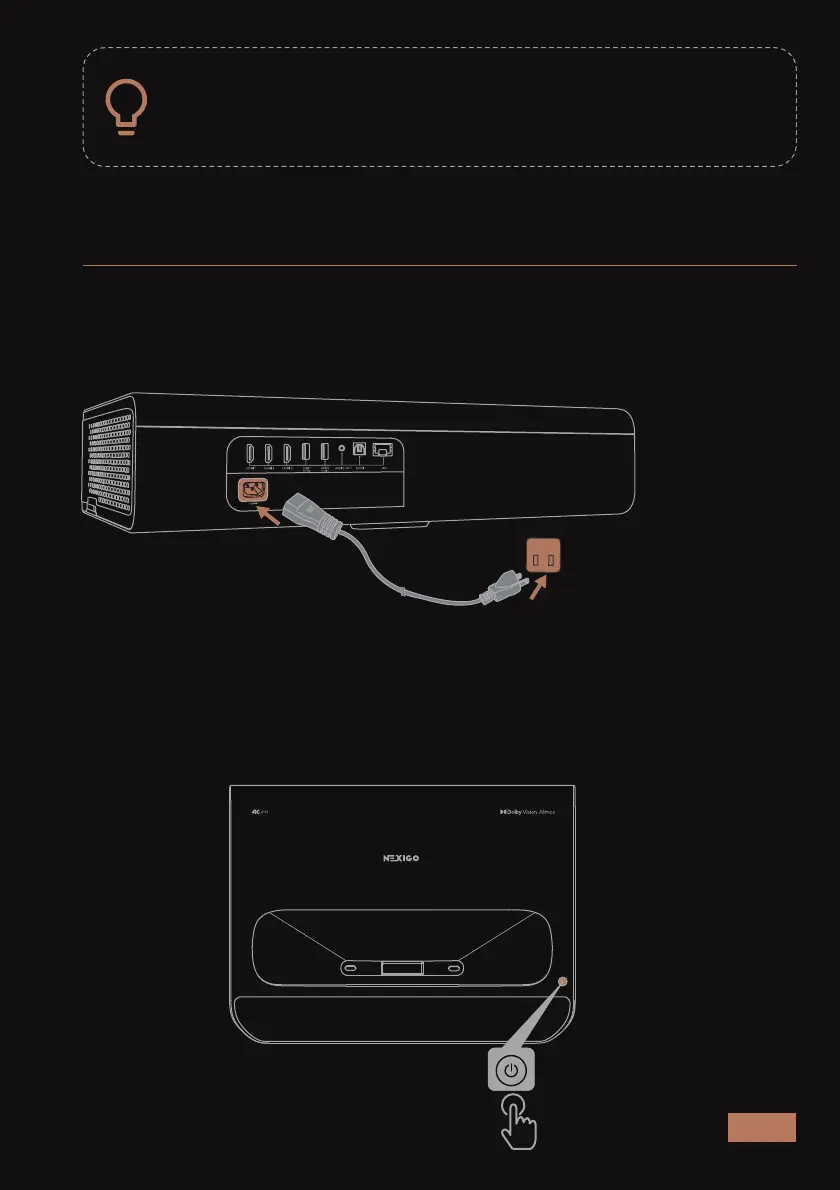
STEP 1 - PLUG THE UNIT IN
Plug the projector into a power outlet using the provided power cord
and press the Power button on the projector to turn on the projector.
Power Button / Power Indicator:
The power indicator will flash during the device startup process.
QUICK START GUIDE



 To Next Page