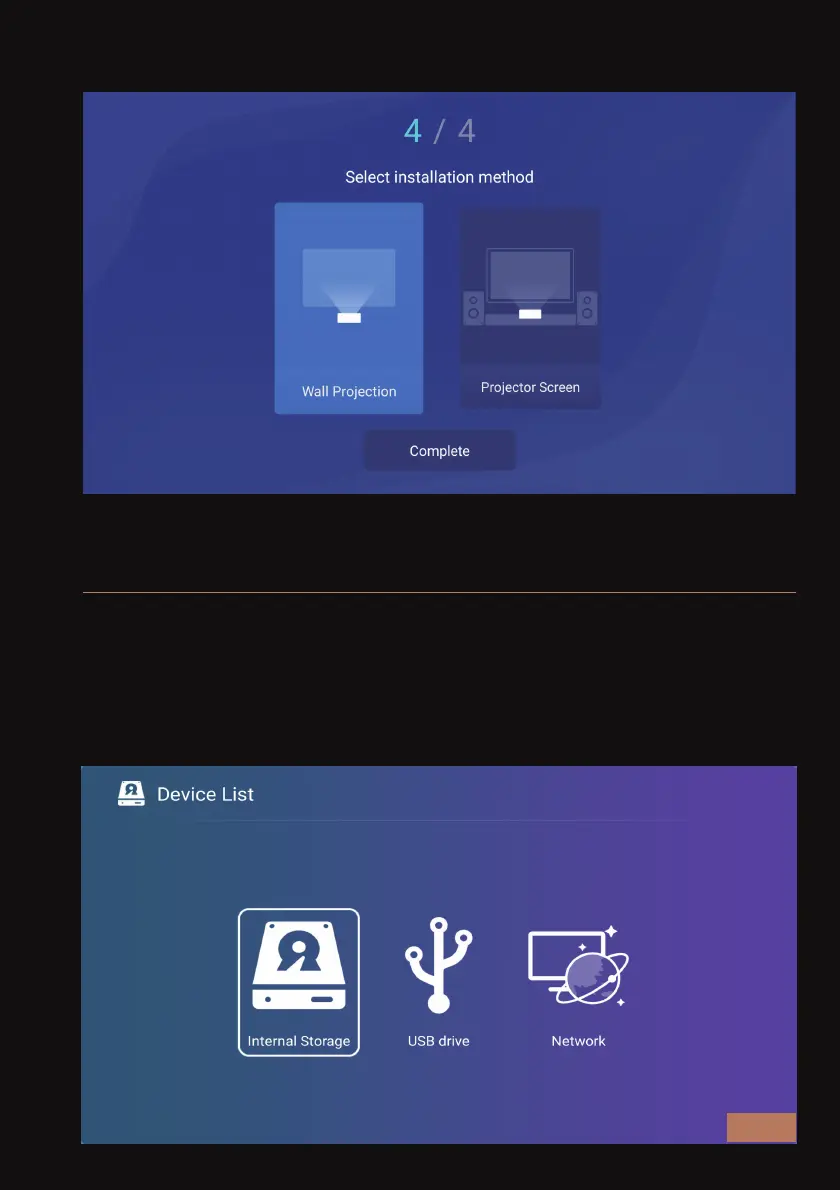
STEP 6 - CHOOSE YOUR PREFERRED INSTALLATION METHOD
You must insert a USB drive into the projector before you open the file
manager to see its contents. In the file manager, you will find files in the
internal storage and / or the USB drive. You can also check files shared
by other devices on the same network using the Network option.
FILE MANAGER
EN 26



 To Next Page